

Display a countdown to the next game – days, hours, minutes and seconds, with no team names or logos. Use it in a hero banner, a header strip or next to your own heading. Once a game is finished, it switches to the next fixture by itself.
Basic Usage
[anwpfl-game-countdown club_id="5"]This shows a countdown to the next scheduled game of club ID 5. You need at least one of club_id, competition_id or include_ids – without them nothing is displayed.
All Parameters
Query Parameters
| Parameter | Default | Description |
|---|---|---|
club_id * |
(empty) | Count down to this club’s next game |
competition_id * |
(empty) | Count down to the next game in this competition. Comma-separated for several |
season_id |
(empty) | Limit to one season |
exclude_ids |
(empty) | Game IDs to skip (comma-separated) |
include_ids * |
(empty) | Pick the game yourself – the earliest of these game IDs is used (comma-separated) |
offset |
(empty) | Skip games. Use 1 to count down to the 2nd next game, 2 for the 3rd, etc. |
* Set at least one of these three.
Display Parameters
| Parameter | Default | Description |
|---|---|---|
label_size |
(empty) | Font size of the “days / hours / minutes / seconds” labels, in px |
value_size |
(empty) | Font size of the numbers, in px. In the Modern style the rings grow with the numbers |
timer (PRO) |
(empty) | Empty = follow the Countdown Type setting. simple = always show the Simple (Classic) countdown |
Countdown Style
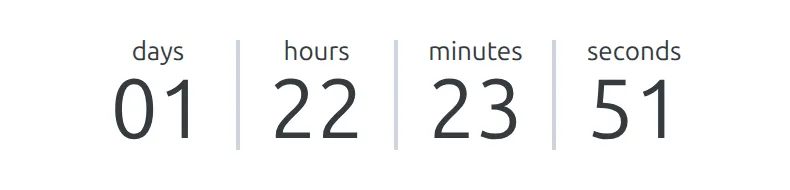
The free version shows the Simple countdown – plain numbers with labels:
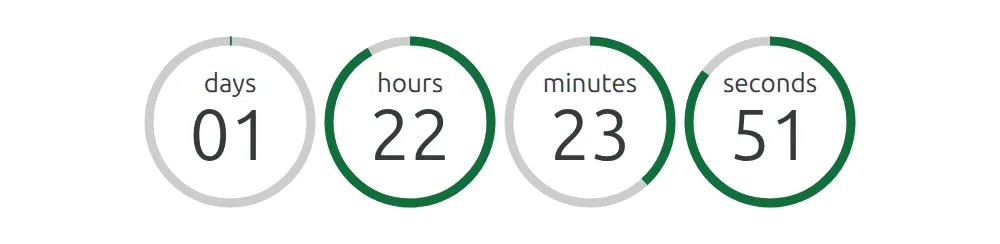
With PRO, the countdown follows Settings & Tools > Settings > Display > Match Display > Fixture & Countdown > Countdown Type – Modern (the default, shown at the top of this page) or Classic. To keep one countdown Simple while the rest of the site uses Modern, add timer="simple".
Note
The Countdown in match fixture setting (same Fixture & Countdown section) only applies to game pages. The Game Countdown shortcode and block show the timer even when that setting is Hide.
Game Countdown Block
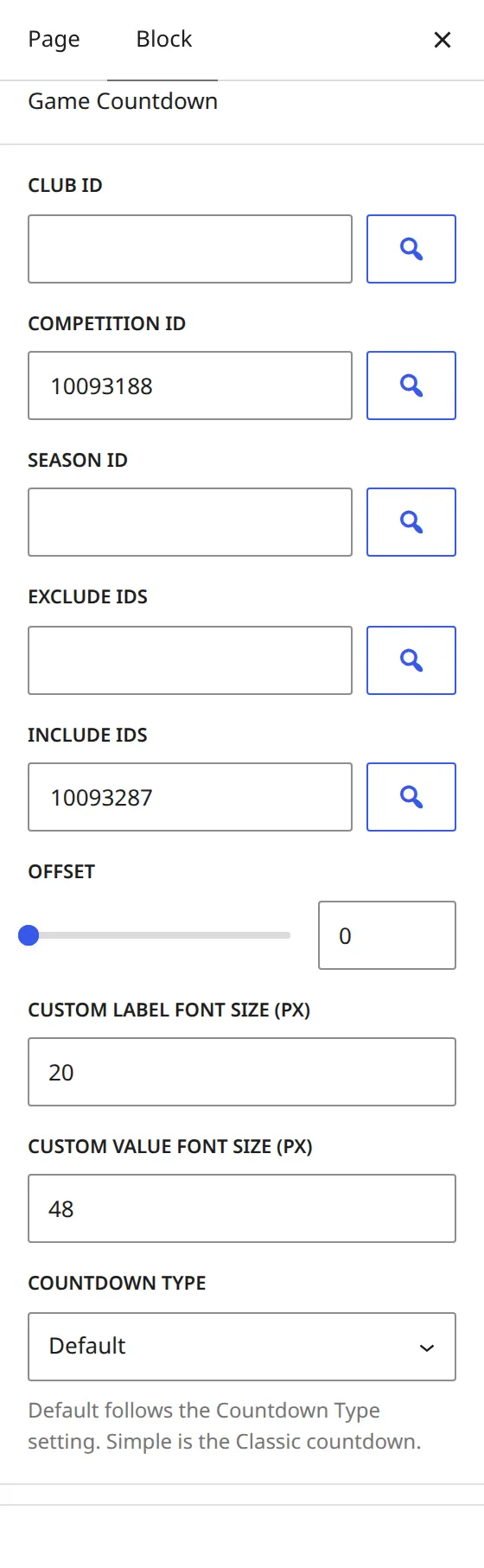
In the block editor, add the Game Countdown block from the Football Leagues category. It has the same options as the shortcode in the block sidebar, and the entity fields have a search button to pick a club, competition, season or game. Countdown Type appears only when PRO is active.
Examples
Example 1: Next League Game of Your Club
When to use: Your club plays in a league and a cup, and the homepage banner should count down to league games only.
[anwpfl-game-countdown club_id="5" competition_id="12"]Example 2: Countdown to a Specific Game
When to use: A cup final or a derby gets its own landing page.
[anwpfl-game-countdown include_ids="1234"]Example 3: Bigger Numbers for a Hero Banner
[anwpfl-game-countdown club_id="5" label_size="20" value_size="48"]Example 4: Simple Countdown on a PRO Site
When to use: A narrow header strip where the Modern rings take too much room.
[anwpfl-game-countdown club_id="5" timer="simple"]Tip
Build the shortcode visually in Shortcode Builder – it has the same search buttons as the block. To rename the “days / hours / minutes / seconds” labels, go to Translations > Text Strings.
Troubleshooting
Nothing displays?
- Set
club_id,competition_idorinclude_ids– the countdown needs at least one - Check that the club or competition has an upcoming game with a kickoff date and time
- From kickoff until the game is finished there is nothing to count down, so the countdown is hidden. It’s also hidden for postponed or cancelled games
Counting down to the wrong game?
- Check the game dates and the
offsetparameter - Use
exclude_idsto skip a game, orinclude_idsto pick one
Related
[anwpfl-match-next]– Next game card with both teams and the kickoff time[anwpfl-matches]– List of games