

Charts: Team Default Stats
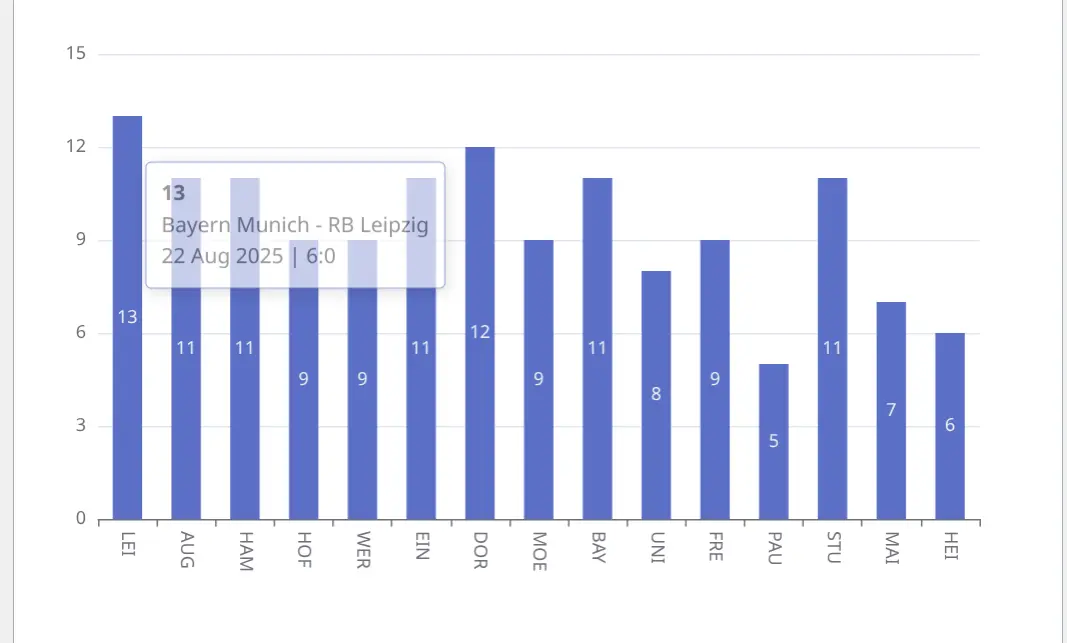
Display a bar chart showing match statistics (corners, fouls, shots, etc.) across recent games. Perfect for tracking team performance trends and match analysis pages.
Premium Feature
This shortcode requires the Football Leagues Premium plugin.
Basic Usage
[anwpfl-charts type="team-defaults" club_id="8" stat="corners"]This displays a bar chart of the selected statistic across recent matches, with opponent names on the x-axis.
Shortcode Builder
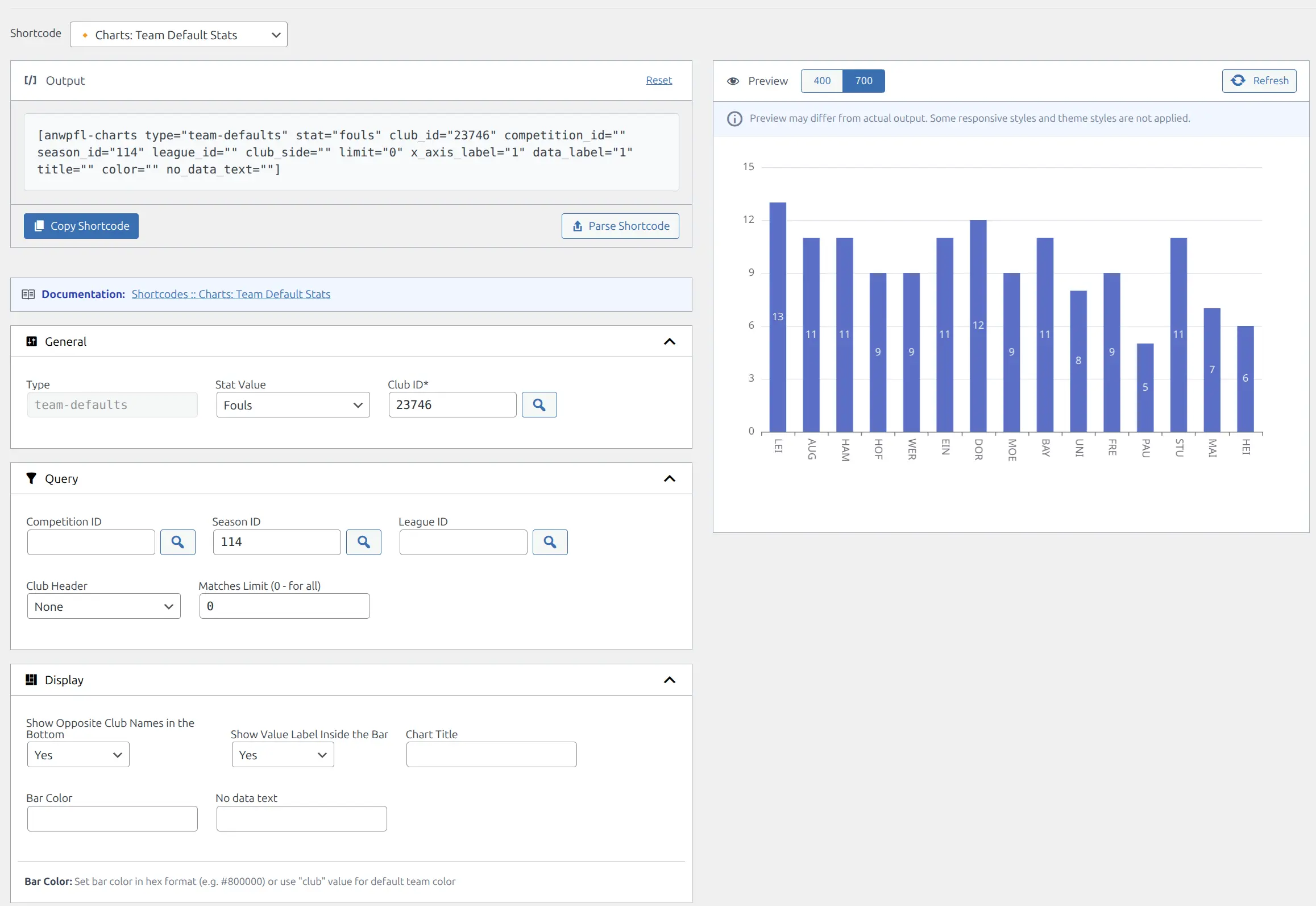
Use the visual shortcode builder to configure parameters without memorizing syntax:
Available Statistics
| Stat Value | Description |
|---|---|
fouls |
Fouls committed per match |
corners |
Corner kicks won |
offsides |
Offside calls against the team |
possession |
Ball possession percentage |
shots |
Total shots attempted |
shots_on_goal |
Shots on target |
Parameters
| Parameter | Default | Description |
|---|---|---|
type * |
(required) | Must be team-defaults |
club_id * |
(required) | Club ID to analyze |
stat |
fouls | Statistic to display (see table above) |
competition_id |
(all) | Filter to specific competition (main stage only via selector) |
season_id |
(all) | Filter to specific season |
league_id |
(all) | Filter to specific league |
club_side |
(none) | Show the club’s name and logo above the chart – home aligns it left, away aligns it right. Doesn’t filter matches |
multistage |
1 | Count games from every stage of the competition (group stages, knockouts, playoffs). Set to 0 for the main stage only |
limit |
0 | Maximum matches to show (0 = all) |
x_axis_label |
1 | Show opponent names on x-axis. Use 0 to hide |
data_label |
1 | Show values inside bars. Use 0 to hide |
title |
(empty) | Custom chart title displayed above the chart |
color |
(default) | Bar color: hex code (e.g., #800000) or club for team color |
no_data_text |
(empty) | Text displayed when no data available |
* = Required parameter
Competition Filtering
The shortcode builder selector only allows selecting main stages of competitions. By default (multistage="1"), the chart counts games from every stage of that competition – group stages, knockouts and playoffs.
Main Stage Only
To count only the games played in the main stage itself, add multistage="0" to your shortcode.
Examples
Corners per Match (Last 10)
When to use: Track corner kick trends in recent matches.
[anwpfl-charts type="team-defaults" club_id="8" stat="corners" limit="10" color="club" title="Corners - Last 10 Matches"]Result: Bar chart of corners in last 10 matches using team’s primary color.
Shooting Accuracy Trend
When to use: Analyze shots on target performance over a season.
[anwpfl-charts type="team-defaults" club_id="8" stat="shots_on_goal" season_id="5" title="Shots on Target"]Result: All matches in the season showing shots on target per game.
Possession with a Club Header
When to use: A standalone possession chart that names the team above it.
[anwpfl-charts type="team-defaults" club_id="8" stat="possession" club_side="home" color="#1e40af"]Result: Possession percentages for all of the club’s games in a custom blue, with the club name and logo aligned left above the chart.
Team Analysis Dashboard
When to use: Team profile statistics section with multiple charts.
[anwpfl-charts type="team-defaults" club_id="8" stat="shots_on_goal" limit="10" color="club"]
[anwpfl-charts type="team-defaults" club_id="8" stat="corners" limit="10" color="club"]
[anwpfl-charts type="team-defaults" club_id="8" stat="possession" limit="10" color="club"]
Result: Three charts showing shooting, corners, and possession trends.
Tip
Use color="club" to automatically use the team’s primary color from their profile, creating a cohesive visual experience.
Troubleshooting
Chart not displaying?
- Verify the
club_idis correct and the club exists - Check that match statistics are entered (these stats come from match default stats, not goals)
- Ensure JavaScript is enabled in the browser
No data for specific stat?
- Not all matches may have all statistics recorded
- Try a different stat to confirm data exists
- Check match edit pages to verify stats are entered
Related
- Charts: Goals per 15 Minutes – Goal timing analysis
- Charts: Goals per 10 Minutes – Goal timing for shorter formats
[anwpfl-stats-club]– Club statistics panel[anwpfl-stats-h2h]– Head-to-head statistics comparison