

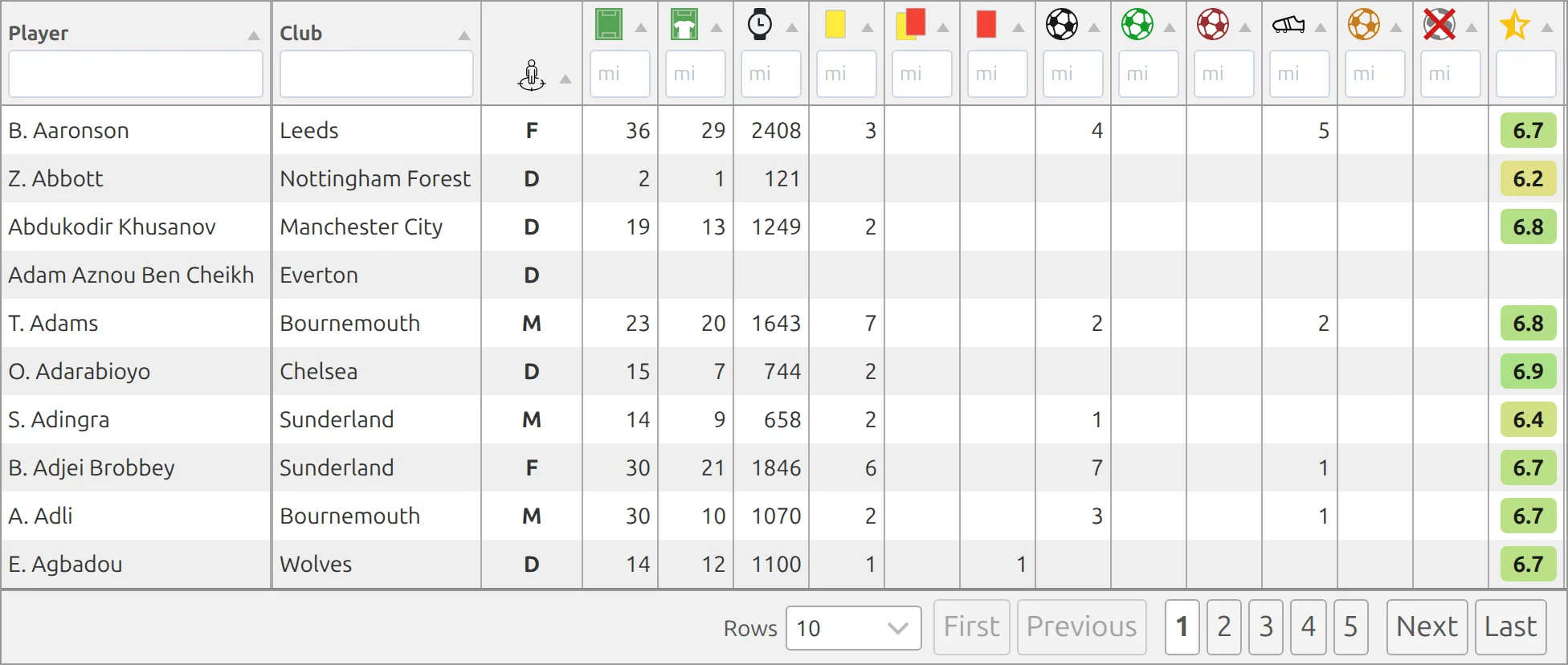
Display comprehensive player statistics in a sortable table format. Shows goals, assists, cards, minutes played, clean sheets, and more. Perfect for competition statistics pages or club performance analysis.
Premium Feature
This shortcode requires the Football Leagues Premium plugin.
Basic Usage
[anwpfl-stats-players competition_id="12"]This displays a player statistics table for competition 12.
All Parameters
Query Parameters
| Parameter | Default | Description |
|---|---|---|
competition_id |
(empty) | Competition ID for statistics |
season_id |
(empty) | Season ID filter |
club_id |
(empty) | Show stats for specific club only |
multistage |
1 | Include secondary stages (multistage competitions). Use 0 to disable |
type |
(all) | Player type: p (outfield players), g (goalkeepers) |
rows |
(all) | Number of rows: 10, 25, 50, or -1 for all |
Note
By default, multistage="1" includes all stages of multistage competitions. The Competition Selector only shows main stages. To get statistics for a specific stage (knockout or playoff), enter the stage ID manually in competition_id and set multistage="0".
Date Filters
| Parameter | Default | Description |
|---|---|---|
date_from |
(empty) | Start date (YYYY-MM-DD) |
date_to |
(empty) | End date (YYYY-MM-DD) |
days_offset |
(empty) | Dynamic start date. Use negative for past (e.g., -30 = 30 days ago) |
days_offset_to |
(empty) | Dynamic end date. Use 0 for today, positive for future days |
Display Parameters
| Parameter | Default | Description |
|---|---|---|
sections |
(all) | Columns to show (comma-separated): club, position, appearance, minutes, cards, goals, goals_penalty, goals_own, assists, goals_conceded, clean_sheets |
links |
0 | Link player names to profiles. Use 1 to enable |
paging |
1 | Enable pagination. Use 0 to disable |
Available Columns
| Column | Description |
|---|---|
club |
Player’s club |
position |
Playing position |
appearance |
Games played |
minutes |
Minutes on pitch |
cards |
Yellow and red cards |
goals |
Goals scored |
goals_penalty |
Penalty goals |
goals_own |
Own goals |
assists |
Assists |
goals_conceded |
Goals conceded (goalkeepers) |
clean_sheets |
Clean sheets (goalkeepers) |
Examples
Example 1: Complete Competition Stats
When to use: Main statistics page for a league.
[anwpfl-stats-players competition_id="12" links="1"]Result: Full statistics table with clickable player names.
Example 2: Club Squad Statistics
When to use: Show a specific club’s player performance.
[anwpfl-stats-players competition_id="12" club_id="8"]Result: Only players from club 8.
Example 3: Goalkeeper Statistics
When to use: Dedicated goalkeeper rankings.
[anwpfl-stats-players competition_id="12" type="g" sections="club,appearance,minutes,goals_conceded,clean_sheets"]Result: Goalkeeper-specific stats with relevant columns only.
Example 4: Goals and Assists Only
When to use: Simplified attacking statistics.
[anwpfl-stats-players competition_id="12" sections="club,goals,assists" rows="20"]Result: Top 20 players showing only goals and assists.
Example 5: Season-Wide Statistics
When to use: Combined stats across all competitions in a season.
[anwpfl-stats-players season_id="5"]Result: All player stats from season 5.
Example 6: Last 30 Days Top Scorers
When to use: Rolling monthly hot streak tracker.
[anwpfl-stats-players competition_id="12" days_offset="-30" days_offset_to="0" sections="club,goals,assists" links="1"]Result: Player stats from the last 30 days, automatically updating daily.
Tip
For more advanced customization including custom stat columns, sorting, and Tabulator layout with client-side filtering, use the [anwpfl-stats-players-custom] shortcode instead.
Troubleshooting
No data showing?
- Verify players have match appearances recorded
- Check that match events (goals, cards) are entered
- Ensure competition_id or season_id is correct
Missing columns?
- Check the
sectionsparameter - Empty sections parameter shows all columns
Related
[anwpfl-stats-players-custom]– Advanced customizable player stats[anwpfl-players]– Top scorers/assists rankings (Core)[anwpfl-player-stats-panel]– Individual player statistics panel