

To create a debug log in WordPress, add specific configuration lines to the wp-config.php file. This setup will ensure all errors, notices, and warnings are logged to the debug.log file located inside your wp-content directory.
How to Enable Debug Log
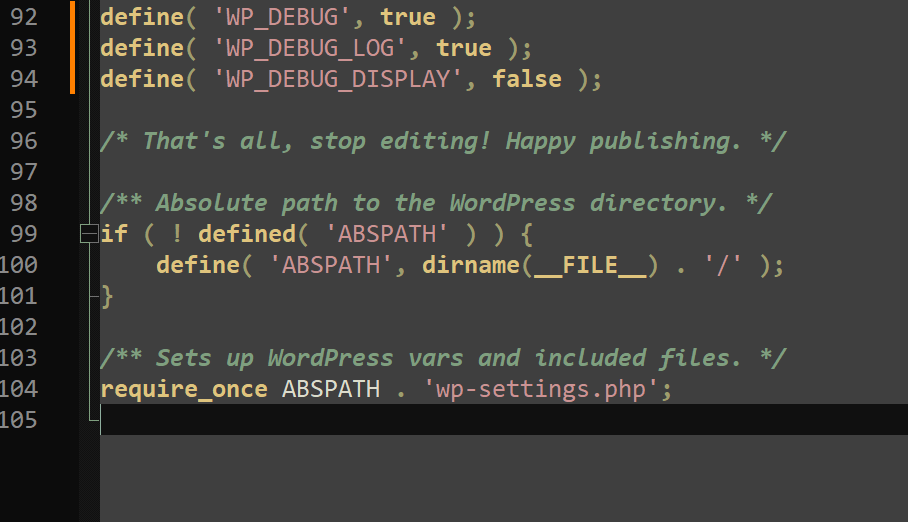
Insert the following code into your wp-config.php file, located in the root of your website, preferably above the /* That’s all, stop editing! Happy blogging. */ line:
define( 'WP_DEBUG', true );
define( 'WP_DEBUG_LOG', true );
define( 'WP_DEBUG_DISPLAY', false );
This code activates debugging, writes all error output to wp-content/debug.log, and prevents errors from displaying on the web page.
Important Notes
- If the debug.log file does not appear in wp-content, make sure this directory is writable by the web server.
- Remember to disable debugging when not actively troubleshooting to improve performance and site security: set WP_DEBUG to false when finished.