

Current MatchWeek is a single number stored on a round-robin competition stage. It does one job: it tells the matchweek slider which slide to open on. Without it the slider opens on matchweek 1, which on a 34-round league means every visitor lands eight months in the past.
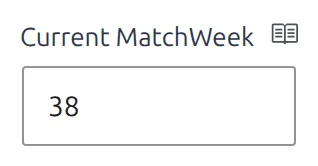
It’s a stored value, not a calculation. Nothing works it out from today’s date while the page renders. Either you type it in, or the API Import raises it for you – and nothing else touches it.
🚀 Setting it
Open the competition from the Competitions menu and find the Competition Stages box. Pick the stage you want, then type the round number into Current MatchWeek and save the competition.
The field accepts whole numbers from 1 to 255. It only appears on stages whose type is Round-Robin – knockout stages count rounds, not matchweeks, and have no equivalent. In a multistage competition each round-robin stage carries its own value, so a group stage and a championship round are set separately.
Where the number is used
One thing reads it: the matchweek slider. Two of the ways you can put that slider on a page pick up Current MatchWeek on their own. The third asks you for it.
| How the slider gets on the page | Uses Current MatchWeek? |
|---|---|
| The Display MatchWeeks as Slides setting, on the default competition page | Yes, automatically |
| The Matchweek Slides block in the Competition Layout Builder | Yes, automatically |
The [anwpfl-matchweeks-slides] shortcode, Gutenberg block or widget | Only with matchweek="-1" |
The same shortcode with a plain number, such as matchweek="15" | No – 15 wins |
Display MatchWeeks as Slides
Go to Settings & Tools > Settings > Display > Match List and look in the Premium group for Display MatchWeeks as Slides. It’s off by default. Turn it on and every round-robin competition page swaps its plain list of matches for the slider, already opened on the Current MatchWeek. No shortcode, no attribute.

This setting only affects the default competition page
If a Layout Builder layout is drawing your competition pages, the default page never runs and the toggle does nothing. Add the Matchweek Slides block to the layout instead – it opens on the Current MatchWeek too.
In a shortcode
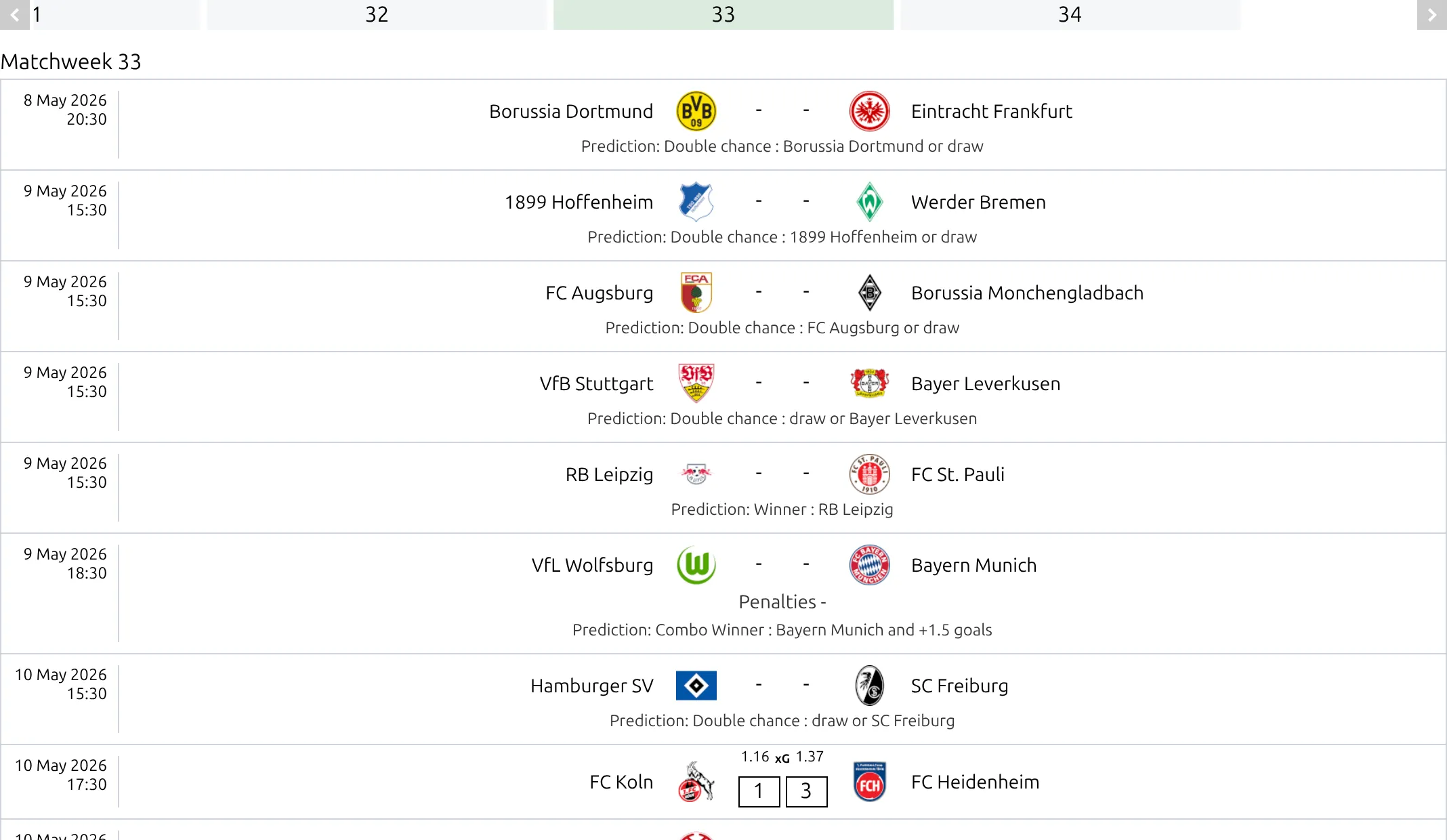
Pass -1 as the matchweek. It’s a signal, not a round number:
[anwpfl-matchweeks-slides competition_id="12" matchweek="-1"]In the shortcode builder the field is called Matchweek Current – type -1 into it. The same value works in the Matchweek Slides Gutenberg block and in the FL+ MatchWeeks Slider widget.
What -1 does not do
It doesn’t filter anything. The slider always builds every matchweek the competition has, in order, and -1 only decides which of them is showing when the page loads. Visitors can still swipe to any other round.
That matters for page weight. A full 34-matchweek league renders around 1 MB of HTML through the slider on the slim card, near 660 KB on the simple one. Current MatchWeek makes the slider land on the right round – it doesn’t make the page smaller. If size is the problem, give the slider its own page, or use the paged matches block on a Competition Layout (v2) instead.
⚠️ How the API Import moves it
If you import a competition from the API, the import keeps Current MatchWeek up to date for you. After a schedule or live update it finds the most recent finished game in that round-robin stage and, if that game’s matchweek is higher than the stored number, writes the higher one.
The automatic value only ever goes up
One rescheduled fixture is enough to break it. If a matchweek 34 game gets brought forward and played in November, the import records 34 and the slider opens on the last round of the season for the rest of the year. Nothing lowers it again on its own – you have to type the right number into Current MatchWeek by hand.
Cup competitions and knockout stages are skipped entirely – the import only writes this value on stages whose type is Round-Robin.
What does and doesn’t change the number
| Action | Changes Current MatchWeek? |
|---|---|
| Typing a number into the Competition Stages box and saving | Yes – the only way to lower it |
| API Import schedule, live or wizard run | Yes, upward only |
| Saving a game in the WordPress admin | No |
| Saving a game from the front-end match editor | No |
| The Data Import Tool (CSV or clipboard) | No |
| Recalculating a standing table | No |
| Time passing | No |
So on a site where you enter results by hand, this is a number you keep current yourself – typically one edit a week, the same time you finish entering that round’s scores.
🆘 Troubleshooting
The field isn’t there. The stage’s Competition Type isn’t Round-Robin. Change it in the same box, or pick a different stage in a multistage competition.
The slider still opens on matchweek 1. Either Current MatchWeek is empty for that stage, or the shortcode has no matchweek attribute at all. With the value unset, matchweek="-1" quietly falls back to the first matchweek rather than showing an error.
The slider opens on a round nobody has played yet. An out-of-sequence game finished early and pushed the number up. Type the correct round into Current MatchWeek and save.
You set a matchweek that the competition doesn’t have. Say the value is 40 in a 34-round league – the slider opens on the first matchweek instead. Same outcome as leaving it empty.
The shortcode renders nothing at all. It prints zero bytes, with no message, when competition_id is missing or wrong, or when the competition has no games carrying a matchweek number. Check the ID first, then check that the games have matchweeks assigned.
Turning on Display MatchWeeks as Slides changed nothing. The competition isn’t round-robin, or a Layout Builder layout is drawing that page – see the note above.
📚 Related
- Matchweeks Slides Shortcode – every attribute the slider takes
- Round-Robin Competition – setting up stages and groups
- Competition Layout Builder – where the Matchweek Slides block lives
- API Import – Getting Started – the import that keeps the number moving