

Display a club’s team roster organized by player position. Shows all players assigned to the club for a specific season with photos, names, and links to player profiles.
Basic Usage
[anwpfl-squad club_id="8"]This displays the current season’s squad for club ID 8, organized by position (goalkeepers, defenders, midfielders, forwards).
All Parameters
| Parameter | Default | Description |
|---|---|---|
club_id * |
(required) | Club ID to display squad for |
season_id |
(current) | Season ID to show squad from |
header |
1 | Show section headers (position groups). Use 0 to hide |
layout |
default | Display layout: default (list) or blocks (card grid) |
* Required parameter
Layout Comparison
| Layout | Best For | Features |
|---|---|---|
default |
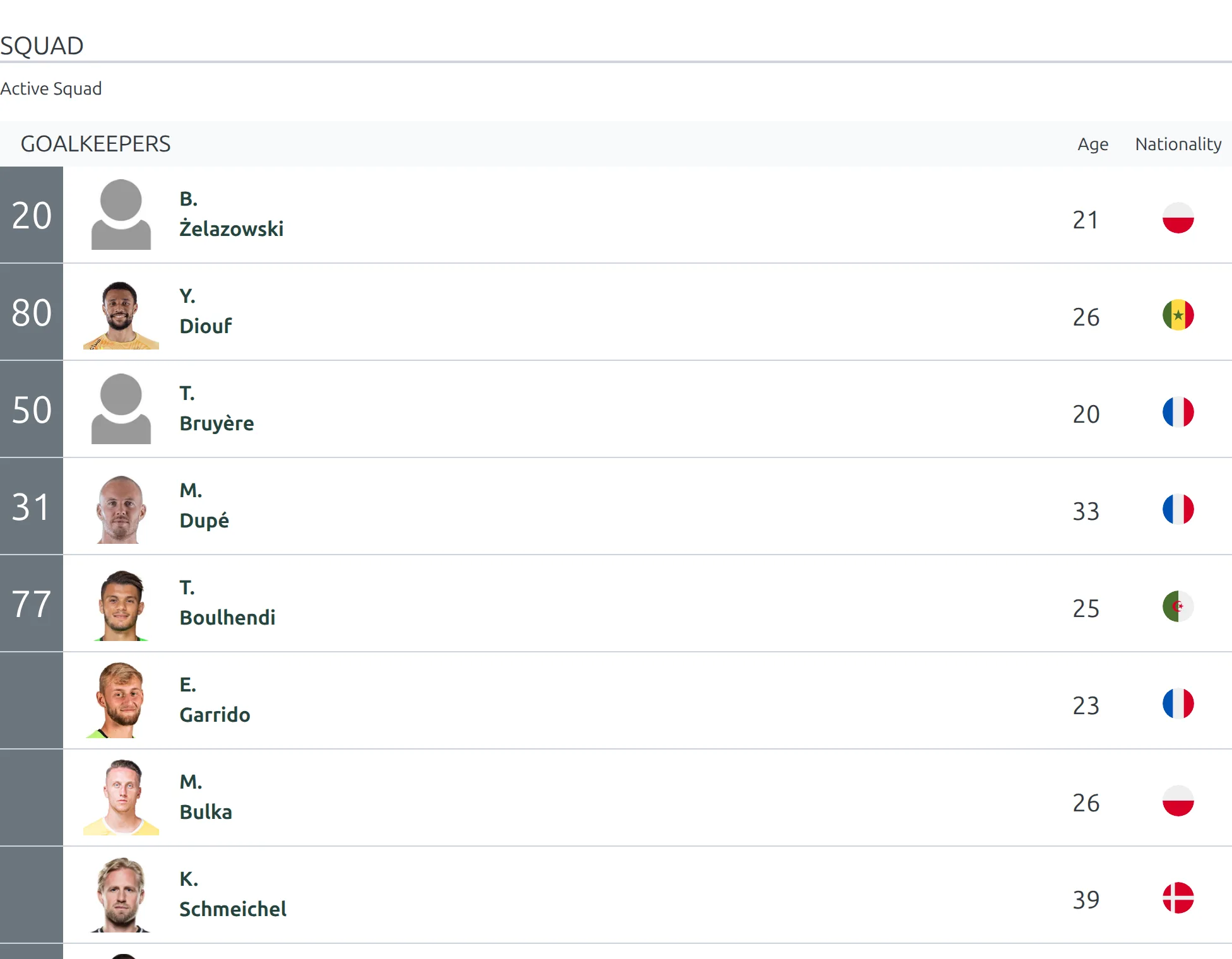
Standard team pages | List format, small photos, player details in row |
blocks |
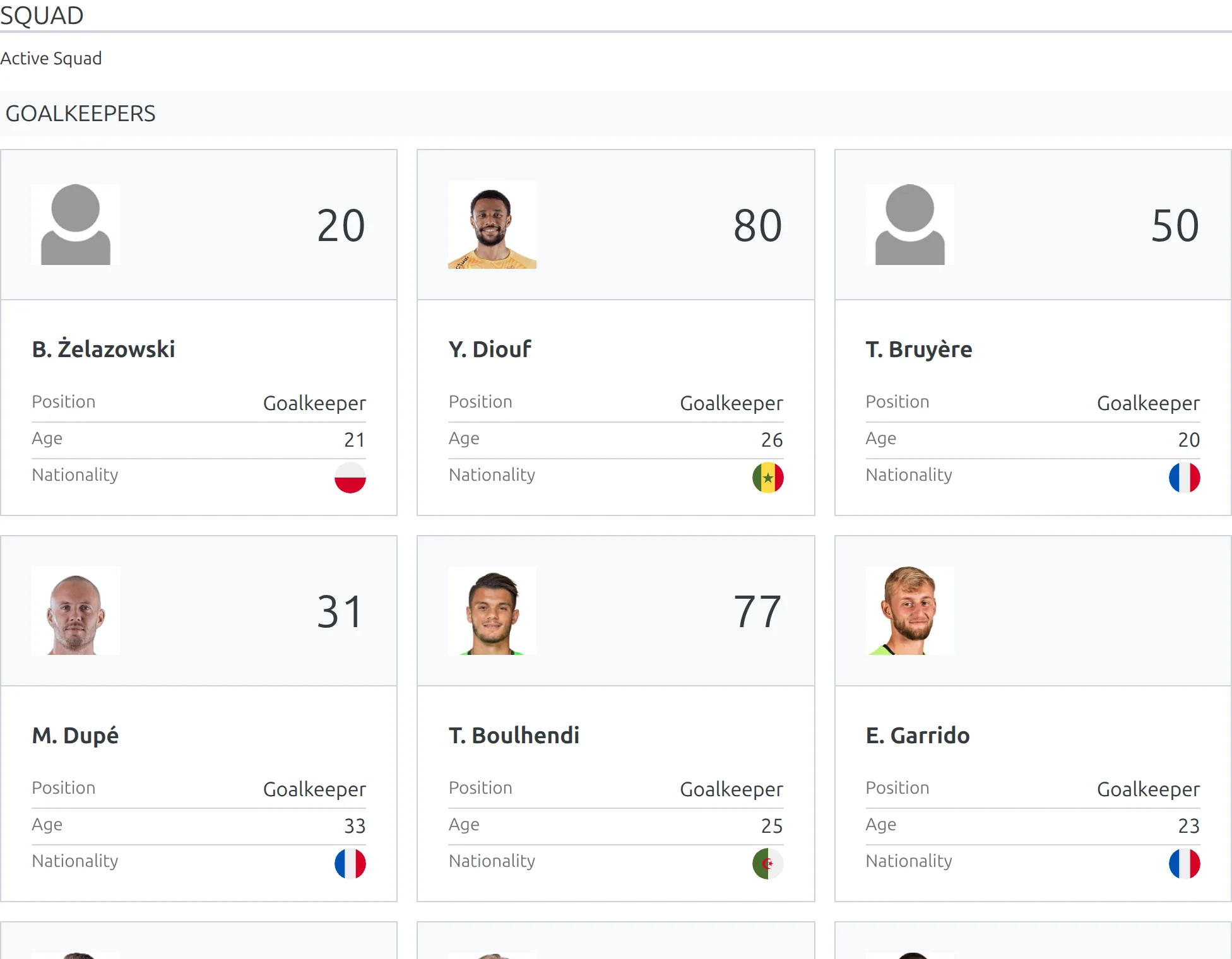
Visual team displays | Card grid, larger photos, more visual impact |
The same squad, rendered by each layout:
Default
blocks
Examples
Example 1: Current Season Squad
When to use: Club page showing current roster.
[anwpfl-squad club_id="8"]Result: Current season’s squad with position headers.
Example 2: Card Grid Layout
When to use: Visual team display with larger player photos.
[anwpfl-squad club_id="8" layout="blocks"]Result: Player cards in a grid layout.
Example 3: Historical Season Squad
When to use: Archive page showing past season’s roster.
[anwpfl-squad club_id="8" season_id="5"]Result: Squad from season 5 (historical view).
Example 4: Without Position Headers
When to use: When you want a simple flat list.
[anwpfl-squad club_id="8" header="0"]Result: All players listed without position group headings.
Example 5: Combined with Club Header
When to use: Complete team page setup.
[anwpfl-club club_id="8" sections="header"]

<h2>First Team Squad</h2>
[anwpfl-squad club_id="8" layout="blocks"]
Result: Club header followed by visual squad display.
Tip
Players must be assigned to a club for a specific season to appear in the squad. Check Football Leagues > Players and ensure the club/season assignment is set.
Troubleshooting
Squad is empty?
- Verify players are assigned to the club for the correct season
- Check the season_id parameter matches your data
- Players need club assignment in their profile
Missing position groups?
- Position groups only show if players exist in that position
- Verify player positions are set correctly
Wrong season showing?
- Without season_id, it defaults to the current/active season
- Specify season_id explicitly for historical data
Related
[anwpfl-club]– Full club profile with squad section[anwpfl-player]– Individual player card[anwpfl-players]– Top scorers/assists rankings