

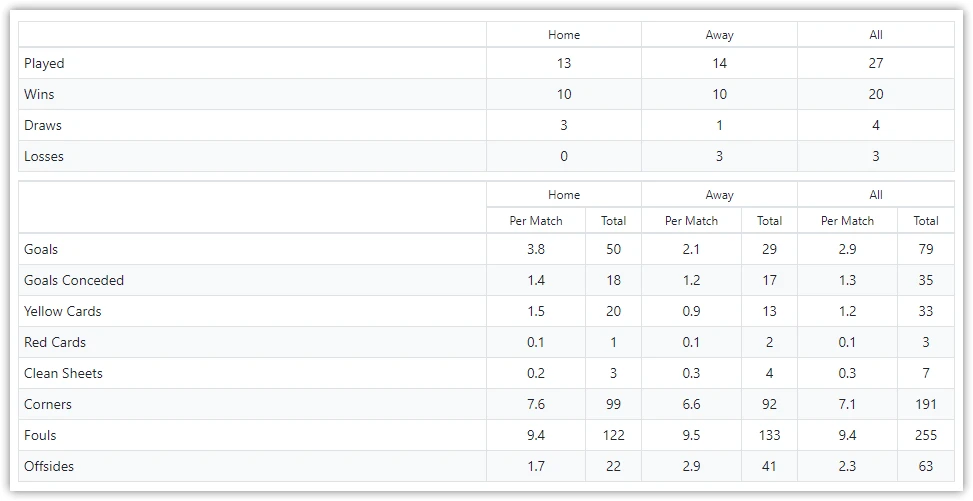
Display a single club’s statistics in a visual panel format. Shows selected team stats as boxes with total values and optional per-game averages. Perfect for club profile pages or match preview team comparisons.
Premium Feature
This shortcode requires the Football Leagues Premium plugin.
Basic Usage
[anwpfl-stats-club club_id="8" stats="goals,goals_conceded,clean_sheets"]This displays selected statistics for club 8 in visual stat boxes.
Available Stats
| Stat | Description |
|---|---|
goals |
Goals scored |
goals_conceded |
Goals conceded |
clean_sheets |
Clean sheets |
cards_y |
Yellow cards |
cards_r |
Red cards |
corners |
Corners won |
fouls |
Fouls committed |
offsides |
Offsides |
shots |
Total shots |
shots_on_goal |
Shots on target |
Renaming the stat labels
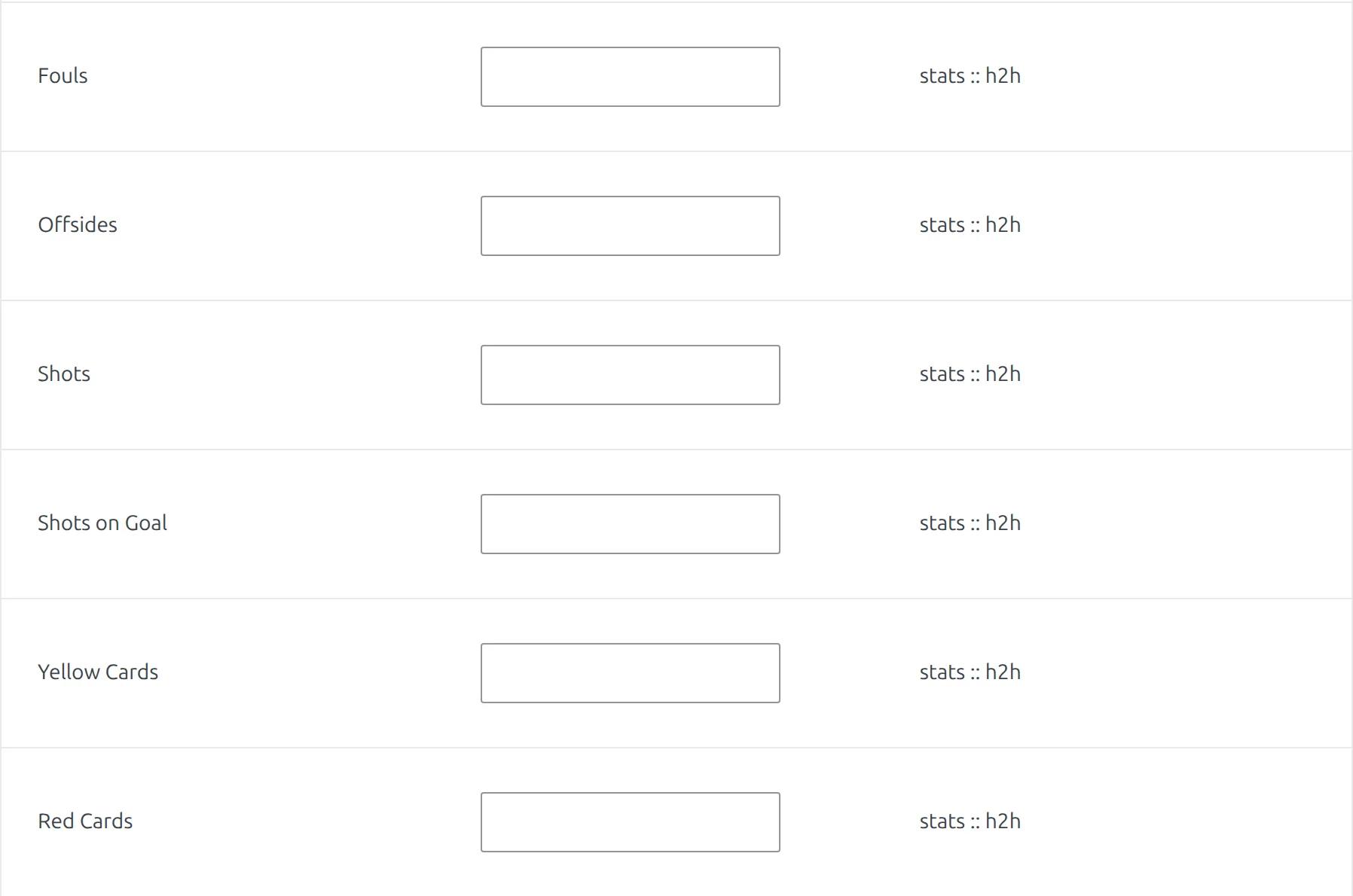
The labels in the left column (“Goals”, “Yellow Cards”, “Fouls”) are editable. Go to Translations > Text Strings and fill in the field next to the stat you want to rename. These labels sit in the stats :: h2h context, so a new name also shows in the Stats H2H shortcode, but not in match or referee statistics.
All Parameters
Selection Parameters
| Parameter | Default | Description |
|---|---|---|
club_id * |
(required) | Club ID to display statistics for |
stats |
(all) | Stats to display (comma-separated) |
Query Parameters
| Parameter | Default | Description |
|---|---|---|
competition_id |
(all) | Filter to specific competition |
season_id |
(all) | Filter to specific season |
league_id |
(all) | Filter to specific league |
multistage |
1 | Include secondary stages (multistage competitions). Use 0 to disable |
date_after |
(empty) | Start date (YYYY-MM-DD) |
date_before |
(empty) | End date (YYYY-MM-DD) |
days_offset |
(empty) | Dynamic start date. Use negative for past (e.g., -7 = 7 days ago), positive for future |
days_offset_to |
(empty) | Dynamic end date. Use 0 for today, positive for future days |
Note
By default, multistage="1" includes all stages of multistage competitions. The Competition Selector only shows main stages. To get statistics for a specific stage (knockout or playoff), enter the stage ID manually in competition_id and set multistage="0".
Display Parameters
| Parameter | Default | Description |
|---|---|---|
per_game |
1 | Show per-game averages. Use 0 to hide |
header |
(empty) | Custom header text |
* Required parameter
Examples
Example 1: Club Season Stats
When to use: Club profile page showing current season.
[anwpfl-stats-club club_id="8" season_id="5" stats="goals,goals_conceded,clean_sheets,corners"]Result: Key stats from current season.
Example 2: Competition Stats
When to use: Club stats for a specific competition.
[anwpfl-stats-club club_id="8" competition_id="12" stats="goals,shots,shots_on_goal"]Result: Attacking stats from league only.
Example 3: Discipline Stats
When to use: Fair play information.
[anwpfl-stats-club club_id="8" stats="cards_y,cards_r,fouls" header="Fair Play Record"]Result: Discipline statistics with custom header.
Example 4: Match Preview – Side by Side
When to use: Compare two teams before a match.
<div style="display: flex; gap: 20px;">
[anwpfl-stats-club club_id="8" competition_id="12" stats="goals,goals_conceded,corners"]
[anwpfl-stats-club club_id="12" competition_id="12" stats="goals,goals_conceded,corners"]
</div>
Result: Two club panels displayed side by side.
Example 5: Last 30 Days Form
When to use: Show recent performance without fixed dates.
[anwpfl-stats-club club_id="8" days_offset="-30" days_offset_to="0" stats="goals,goals_conceded,clean_sheets"]Result: Stats from the last 30 days, automatically updating daily.
Tip
For comparing multiple clubs in a ranking table, use [anwpfl-stats-clubs]. This shortcode is best for featuring a single club’s statistics in a visual panel format.
Troubleshooting
Stats showing zeros?
- Verify matches have statistics entered
- Some stats (corners, shots) require manual entry
- Check filter parameters
Related
[anwpfl-stats-clubs]– Multi-club statistics rankings[anwpfl-stats-h2h]– Head-to-head club comparison[anwpfl-club]– Full club profile (Core)