

Display a grid of club logos from a competition. Perfect for showing participating teams with clickable links to each club’s page.
Basic Usage
[anwpfl-clubs competition_id="12"]This displays logos for all clubs in competition 12, arranged in a grid.
All Parameters
Selection Parameters
| Parameter | Default | Description |
|---|---|---|
competition_id |
(empty) | Competition ID to get clubs from |
include_ids |
(empty) | Show only these Club IDs (comma-separated) |
exclude_ids |
(empty) | Hide these Club IDs (comma-separated) |
Logo Settings
| Parameter | Default | Description |
|---|---|---|
layout |
(custom) | Grid layout: 2col, 3col, 4col, 6col, or empty for custom sizing |
logo_size |
big | Logo quality: big (large image) or small (small image) |
logo_height |
50px | Logo height (with units, e.g., 60px or 3rem) |
logo_width |
50px | Logo width (with units) |
show_club_name |
0 | Show club names below logos. Use 1 to display |
Layout Options
| Layout | Logos Per Row | Best For |
|---|---|---|
2col |
2 | Sidebars, small spaces |
3col |
3 | Narrow content areas |
4col |
4 | Standard content width |
6col |
6 | Wide content, many clubs |
| (empty) | Auto | Custom sizing with logo_height/width |
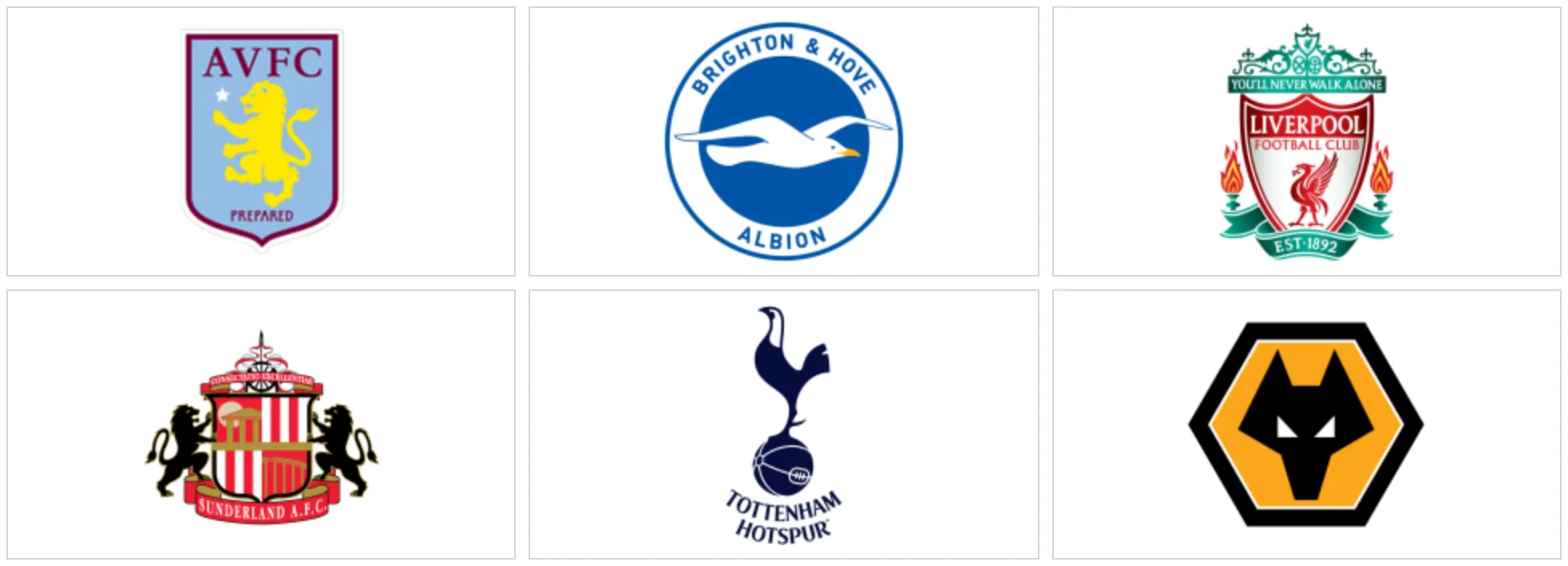
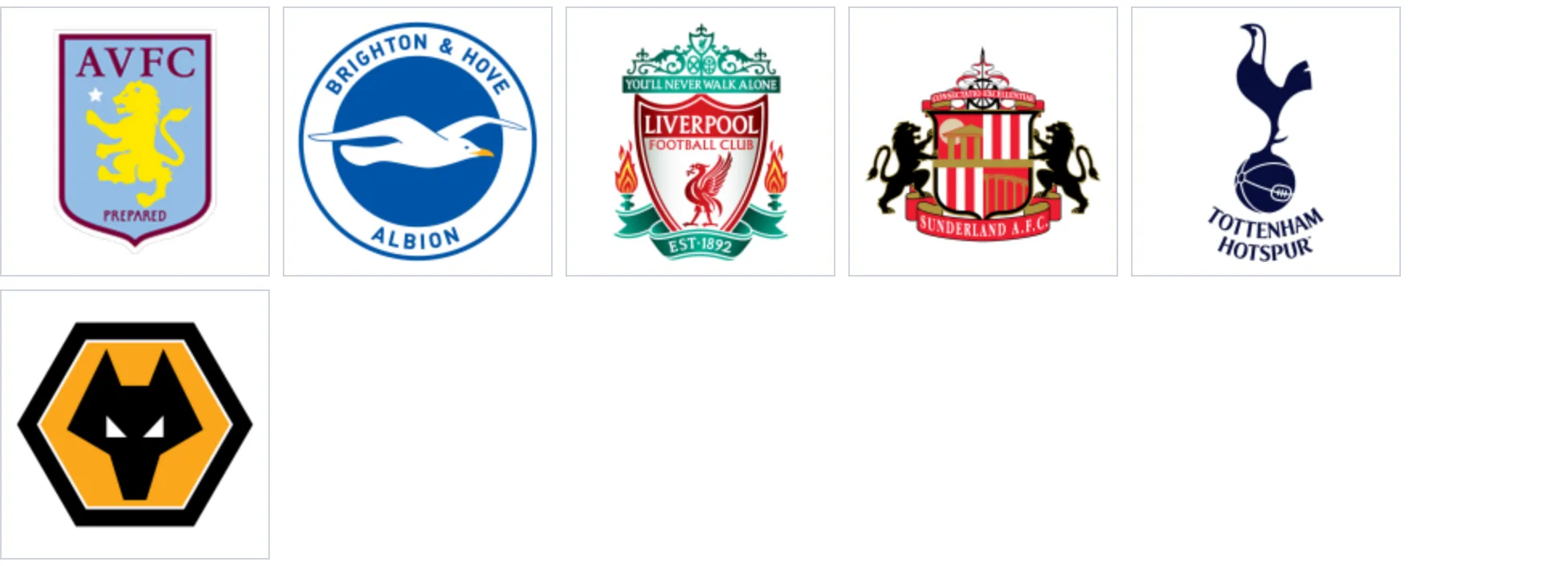
The same six clubs, with a column layout and with custom logo dimensions:
layout=”3col”
Custom width and height
Examples
Example 1: Competition Teams Grid
When to use: Competition page showing all participating clubs.
[anwpfl-clubs competition_id="12" layout="4col"]Result: 4-column grid of all club logos from competition 12.
Example 2: With Club Names
When to use: When logos alone aren’t recognizable enough.
[anwpfl-clubs competition_id="12" layout="4col" show_club_name="1"]Result: Club logos with names displayed below each logo.
Example 3: Large Logos
When to use: Featured display with prominent logos.
[anwpfl-clubs competition_id="12" logo_height="80px" logo_width="80px"]Result: Larger logos (80x80px) with automatic flow layout.
Example 4: Sidebar Widget
When to use: Compact display in sidebar.
[anwpfl-clubs competition_id="12" layout="3col" logo_height="40px" logo_width="40px"]Result: Smaller logos in 3-column layout.
Example 5: Selected Clubs Only
When to use: Feature specific clubs (e.g., sponsors or partners).
[anwpfl-clubs include_ids="5,8,12,15" layout="4col"]Result: Only the specified four clubs are displayed.
Example 6: Exclude Specific Clubs
When to use: Hide clubs that have withdrawn or been relegated.
[anwpfl-clubs competition_id="12" exclude_ids="23,45"]Result: All competition clubs except IDs 23 and 45.
Tip
Use logo_size="big" when displaying larger logos to ensure image quality. The “big” size uses the higher-resolution club logo image.
Troubleshooting
No logos showing?
- Verify clubs have logos uploaded (featured image)
- Check that competition_id is correct
- Ensure clubs are assigned to the competition
Logos look blurry?
- Use
logo_size="big"for larger displays - Upload higher-resolution logos
Related
[anwpfl-club]– Full club page display[anwpfl-squad]– Team roster display[anwpfl-competition-list]– List of competitions