

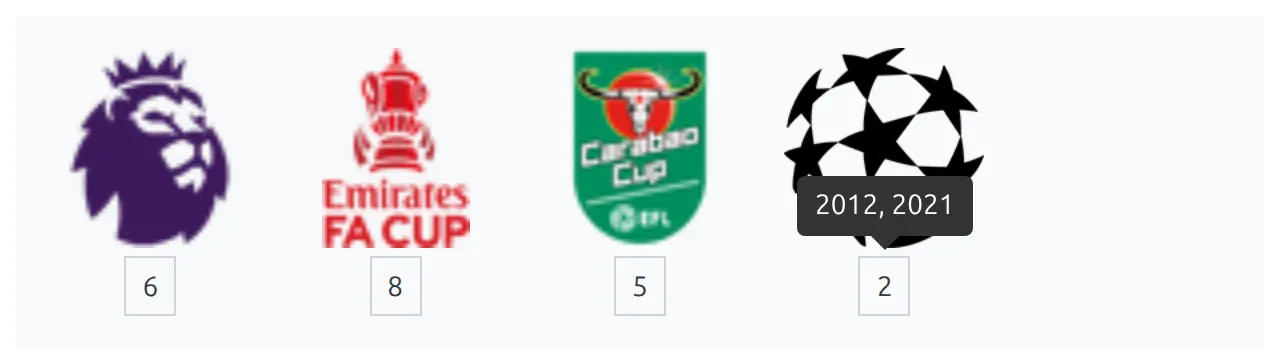
Club Trophies puts a club’s honours on its page: a row of trophy images, each with a small count underneath – 3 league titles, 8 cups, whatever the club has won. Hover an image and its name appears.
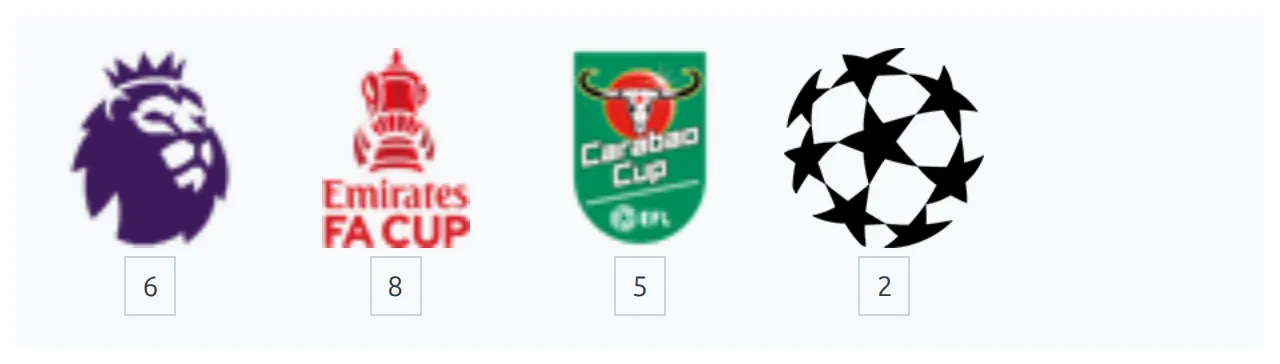
You enter trophies by hand, one club at a time. They aren’t imported from API-Football, and nothing calculates them from your results.
🚀 Adding trophies to a club
- Go to Clubs & People > Clubs and edit the club.
- In the club editor’s left menu, click Trophies. It’s the last item, and it jumps you to the Trophies section at the bottom of the editor, below Staff.
- Click Add Another Trophy. The new, empty row appears at the top of the table.
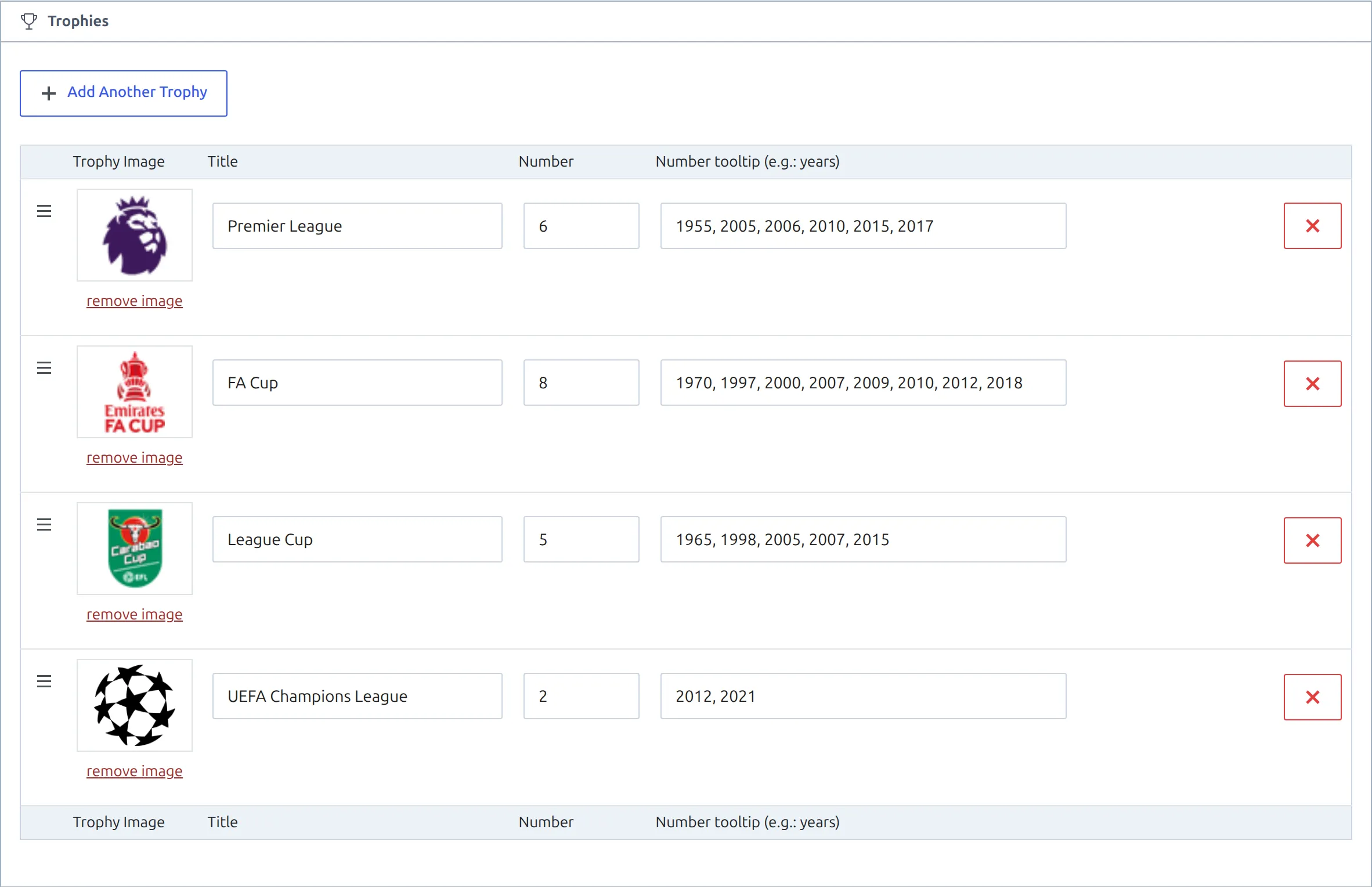
- Click Select Image and pick an image from the media library, then fill in the Title, Number and, if you want, Number tooltip.
- Repeat for each trophy, and drag rows by their handle to set the order.
- Save the club, with the Save button at the top of the left menu or with Update.
Nothing is stored until the club is saved. Adding, reordering or deleting rows and then leaving the page throws those changes away.
If the club screen shows “Please, create a season first.” or a Clubs Data Migration Required panel instead of the editor, deal with that first. The Trophies section is part of the same editor and doesn’t appear without it.
The four fields
| Field | What to enter | On the site |
|---|---|---|
| Trophy Image | An image from the media library. Click Remove Image under the preview to clear it. | The trophy itself. A trophy without an image isn’t shown at all. |
| Title | The competition name, such as Premier League | Only as a tooltip when you hover the image. It’s never printed as text. |
| Number | Free text – usually a count like 3, but x3 or 1998 work too | In the small box under the image |
| Number tooltip (e.g.: years) | Optional, such as 1955, 2005, 2006 | A tooltip when you hover the number box. Leave it empty and the box has no tooltip. |
To delete a trophy, click the red X at the end of its row and confirm. There’s no limit on how many trophies a club can have.
Choosing images
Each trophy is drawn in a 100 x 100 box and scaled to fit without cropping, so tall cups and wide shields both work. The page loads the full-size file you uploaded, though, not a thumbnail. A small square PNG or WebP with a transparent background, around 200 x 200 pixels, looks sharp and keeps the page light.
The row wraps onto as many lines as it needs, so a club with 15 trophies simply gets a second row. There are no display settings for trophies.
Where trophies appear
Trophies are part of the club header. They show wherever that header is drawn, and nowhere else unless you add them yourself.
| Club page built with | Trophies shown? |
|---|---|
| The default club page (no layout active) | Yes, at the bottom of the header |
| A Layout Builder v1 club layout with the Header block | Yes, at the bottom of the header |
| A Layout Builder v2 team layout | Only with the Trophies block added (FL+ 0.18.4 and later). On older versions, use a Shortcode block – both are below |
| The Club shortcode with the Header section | Yes, at the bottom of the header |
| The Club shortcode with the Trophies section | Yes, trophies on their own |
Activating a v2 team layout hides trophies until you add the block
An active Layout Builder v2 team layout takes over every club page, and Team Header doesn’t draw trophies. The Trophies block isn’t in the default layout either, so if your clubs have trophies, add it before or right after you activate the layout.
Showing trophies with a shortcode
The Club shortcode has a Trophies section that prints the trophies row and nothing else. Build it at Football Leagues > Shortcodes > Club: pick the club, then choose Trophies under Sections. It’s listed there since FL+ 0.18.4 – on older versions, type sections="trophies" by hand.
[anwpfl-club club_id="45" sections="trophies"]Use it on a history page, in a sidebar, or anywhere else the full header would be too much. For the header with trophies included, use sections="header". Before core 0.18.5, that header section is missing the club logo and details.
Don’t combine the two. The header already contains the trophies, so sections="header,trophies" prints the row twice.
All sections and options of the Club shortcode are on the Club shortcode page.
Trophies on a Layout Builder v2 team page
Since FL+ 0.18.4 the v2 team layout has a Trophies block. It reads the same Trophies list from the club editor, so there’s nothing new to enter.
- Open Layout Builder > Layouts (v2) and open the Team layout.
- Drag Trophies from the Team group of the Blocks palette into the layout. Right under Team Header is the natural spot.
- Optional: open the block’s settings and type a Section Header such as “Trophies” or “Honours”. It’s empty by default. Click Save Changes.
- Click Save Layout.

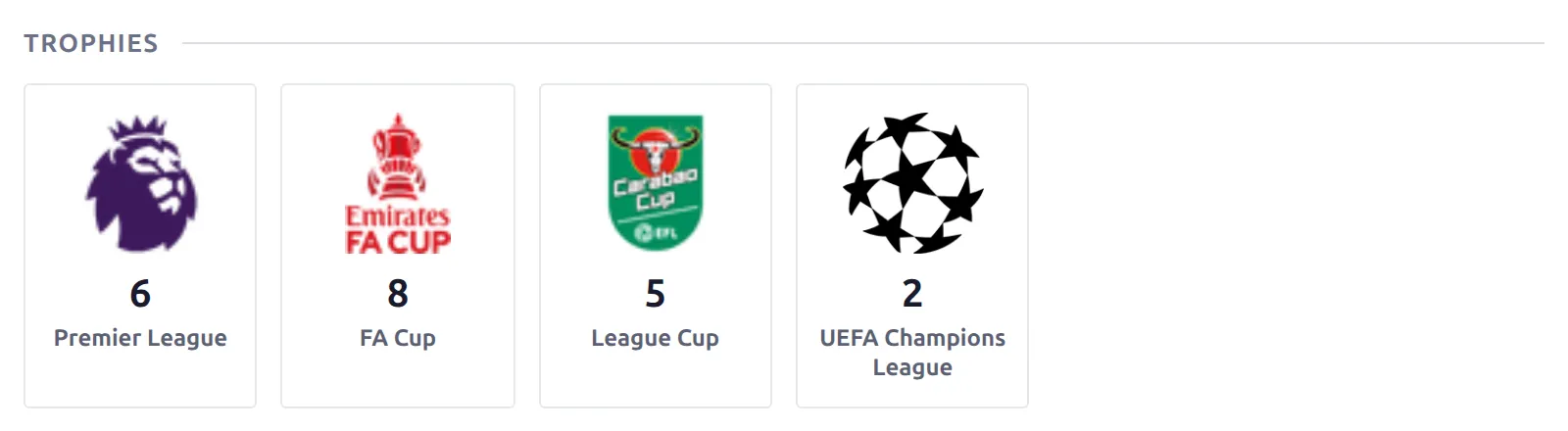
Each trophy becomes a tile with its image, the count and the trophy name. The count’s tooltip – usually the winning years – shows when a visitor hovers the tile. A trophy without an image is skipped, and on a club with no trophies the whole block disappears, heading included, so a heading never sits above nothing.
On FL+ 0.18.3 and older: a Shortcode block
Before the Trophies block, run the Club shortcode inside the layout, with the %club_id% variable in place of a fixed ID. The layout swaps in the ID of whichever club page is being viewed, so one block covers every club. Once you update, replace it with the Trophies block – keeping both prints the trophies twice.
- Open Layout Builder > Layouts (v2) and open the Team layout.
- Drag a Shortcode block from the Global group into the layout. Right under Team Header is the natural spot.
- Open the block’s settings and put this in the Content field. You can click the
%club_id%chip under the field instead of typing it. - Click Save Changes, then Save Layout.
[anwpfl-club club_id="%club_id%" sections="trophies"]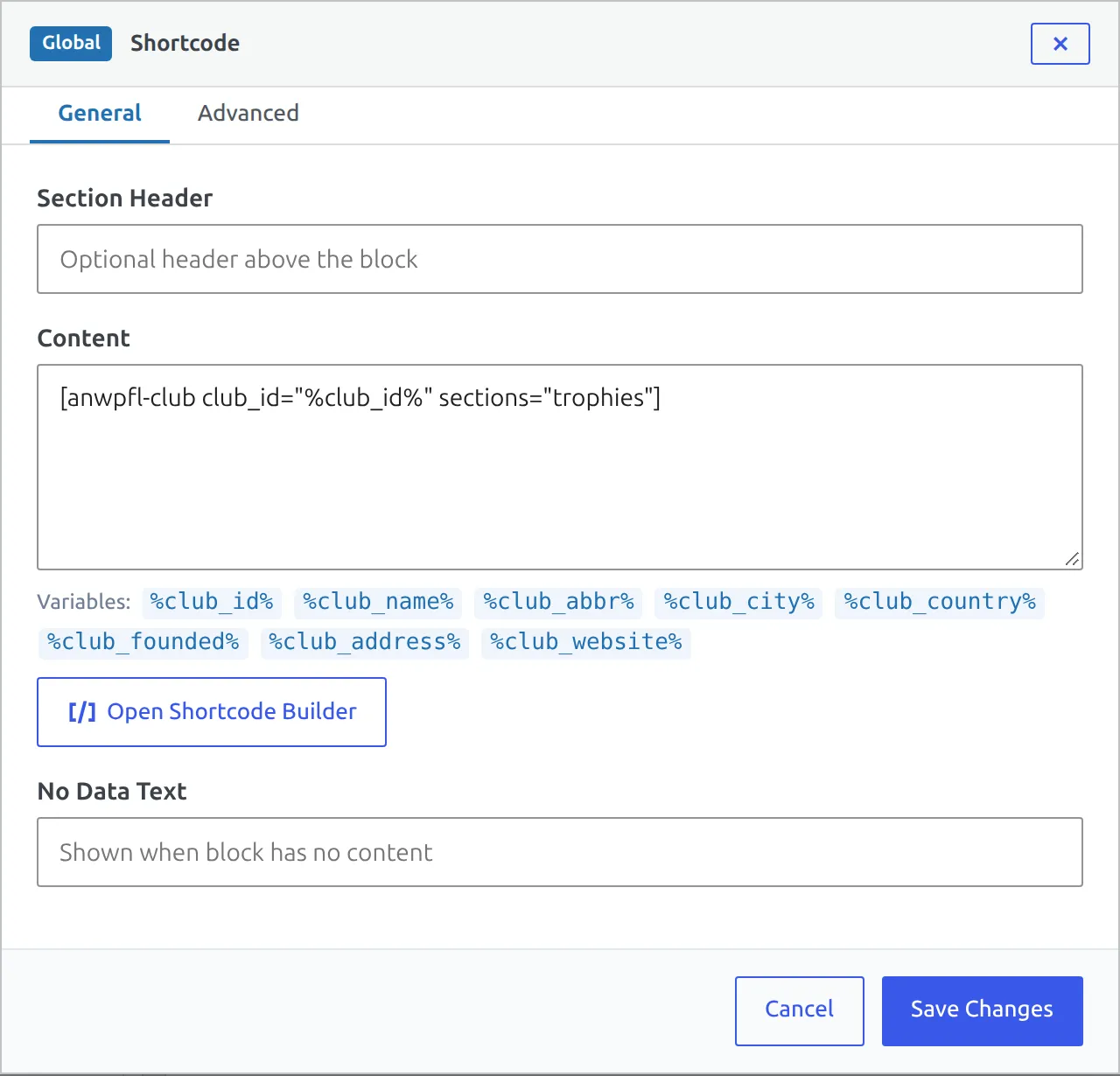
Leave the block’s Section Header empty. The block doesn’t hide itself on clubs with no trophies, so a heading such as “Honours” would sit above nothing on those pages.
More about the v2 team page and its blocks: Team Layout (v2).
Notes
- Site Migration copies a club’s trophy list but not the trophy images – they still point at the old site, so re-select each image on the new one.
- The Winner chip with a trophy icon on the v2 Season Record block is a different thing. It’s worked out from that season’s knockout results and has nothing to do with this list.
- In the classic trophies row (club header and Club shortcode), the trophy name lives only in the image tooltip, so visitors on touch screens see the image and the count, not the name. Pick images that are recognisable on their own. The v2 Trophies block prints the name under the count.
🆘 Troubleshooting
Trophies don’t show on the club page
Check these in order:
- A v2 team layout is active. Go to Layout Builder > Layouts (v2). If the Team layout is active, add the Trophies block above – or the Shortcode block on FL+ 0.18.3 and older.
- The club wasn’t saved. Reopen the club and check the rows are still in the Trophies table.
- The trophy has no image. Rows without an image are skipped on the site, even with a title and number filled in.
The trophies row appears twice
The Club shortcode has both header and trophies in its sections. Remove trophies – the header brings its own.
There’s no Trophies item in the club editor
Trophies is a PRO feature, so the Premium plugin has to be active. If it is and the whole editor is missing, the club screen is showing the season or migration message described in the first section.
📚 Related
- Club shortcode – every section, including Header and Trophies
- Team Layout (v2) – the modern club page and its blocks
- Club History – past names and logos for a club
- Site Migration – moving clubs and their data to another site