

Place/Game Layout is a row of nine tick boxes. Each one is a spot on the front end where the plugin can print something extra about a game. The labels are short and a couple of them are easy to mix up, so this page is a picture of each one.
You’ll meet the field on two screens, and it’s the same nine places both times: on Settings & Tools > Advanced Buttons, deciding where an advanced button appears, and on the API import odds panel, deciding where the pre-match odds strip appears. One place behaves differently for odds: FL+ Next Match draws the odds strip in its widget but not in the Next Game block. Ticking a place doesn’t create anything on its own – it says “when this game has a button (or odds), draw it here”.
🎯 The nine places at a glance
| Label | What it is | Where you’ll see it |
|---|---|---|
| Scoreboard | The image-backed header at the top of a game page | Any game page, unless you’ve switched the scoreboard off |
| Header (Core) | The plain header at the top of a game page | Game pages with the scoreboard switched off, and [anwpfl-match] with sections |
| Slim – Center | The default match-list row | [anwpfl-matches], competition pages, club fixtures |
| Card A | The tall match card | [anwpfl-matches-scoreboard] and its Games Scoreboard block |
| Modern | The modern match-list card | [anwpfl-matches layout="modern"] |
| Simple | The compact match-list row | [anwpfl-matches layout="simple"] and the FL Matches widget |
| FL Last Match | The last-match block | The FL Last Match widget and [anwpfl-match-last] |
| FL Next Match | The next-match block | The FL Next Match widget and [anwpfl-match-next] |
| FL+ Next Match | The PRO next-match block, with a countdown | The FL+ Next Match widget and the Next Game block (the block draws buttons, not odds) |
Scoreboard and Header (Core) are the same slot
A game page draws one or the other, never both. With Scoreboard with background image on – the default – you get the Scoreboard. Turn it off and you get Header (Core) instead. The setting is at Settings & Tools > Settings > Display > Match Display > Scoreboard, and any single game can override it from its Premium Options tab. If you’re not sure which your site uses, tick both – the one that isn’t drawn costs nothing.
The game page
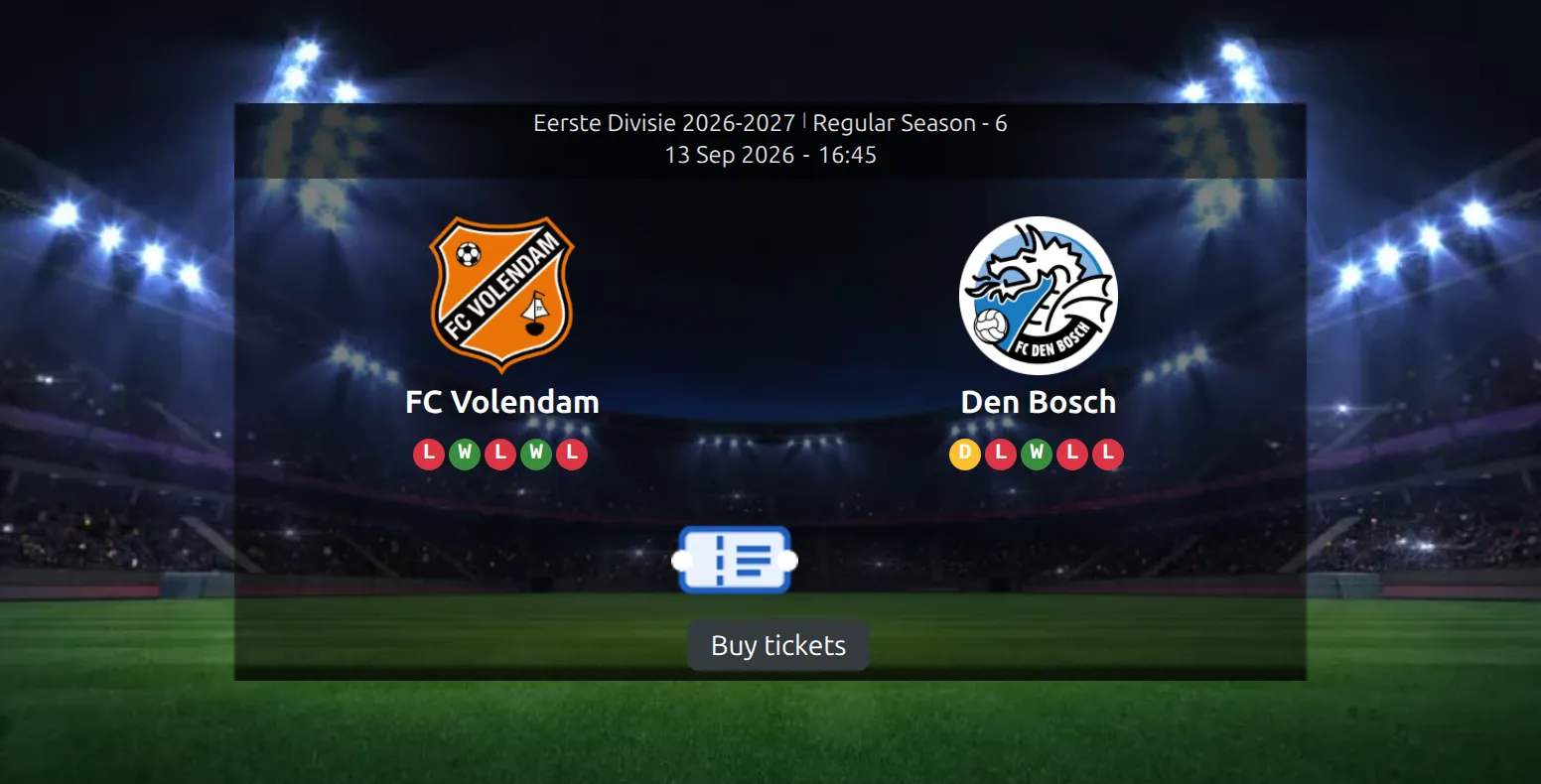
Scoreboard
The header you get by default on a game page: a background image, the two crests, the score and the kickoff details. Your button lands centered under the score, above the countdown and above the odds strip. This is the place to pick if you only ever tick one. The screenshot at the top of this page is it.
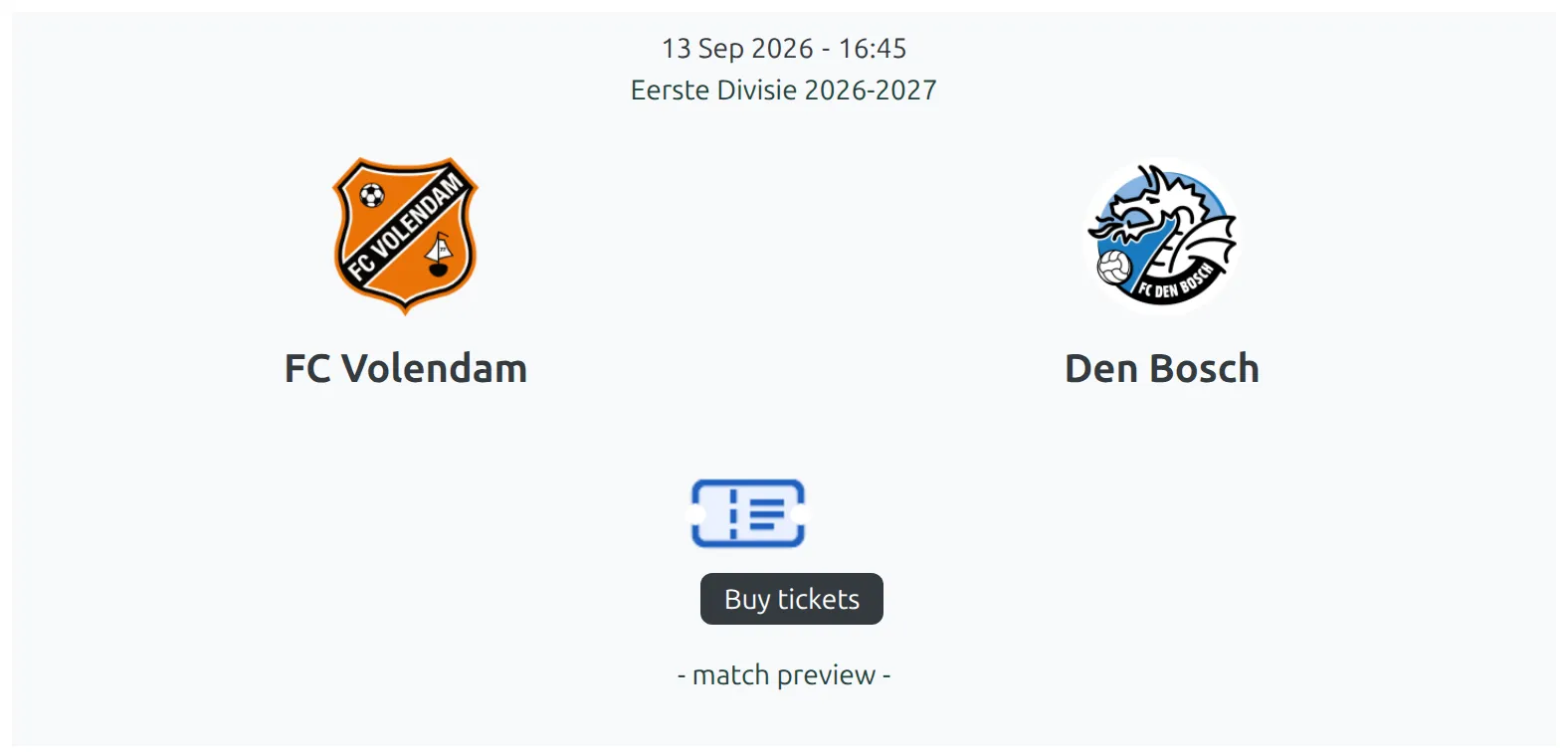
Header (Core)
The plain header – no background image, the same crests and score on your theme’s own background. It’s what a game page shows when the scoreboard is switched off. You’ll also get it from [anwpfl-match] whenever that shortcode has at least one Section picked and Scoreboard isn’t one of them. The button sits in the same spot, centered under the score.
The four match-list layouts
These are the cards a list of games is built from. A competition page, a club’s fixtures, the [anwpfl-matches] shortcode and the Games Scoreboard slider all draw one of them.
Slim – Center
The default row: home club on the left, score in the middle, away club on the right, on one line. It’s the busiest place on most sites, because it’s what competition pages and club fixture lists use. Your button lands centered under the score, above the row’s bottom line of stadium and referee details.

Card A
A tall card with the crests side by side and the competition above them. It’s the card the Games Scoreboard slider is built from, so this is the one to tick if you run a scrolling row of upcoming games across the top of your home page. The button sits under the crests.
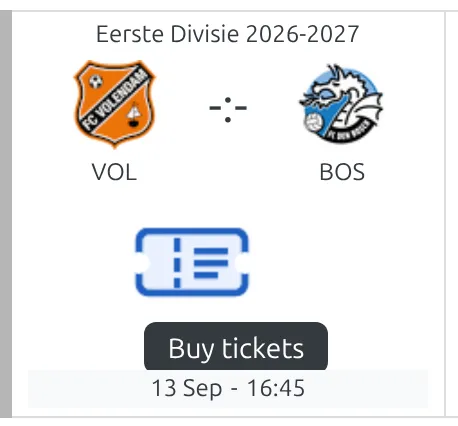
Modern
A wider card with bigger crests and the score on its own line. You get it from [anwpfl-matches layout="modern"]. The button goes below the score line.
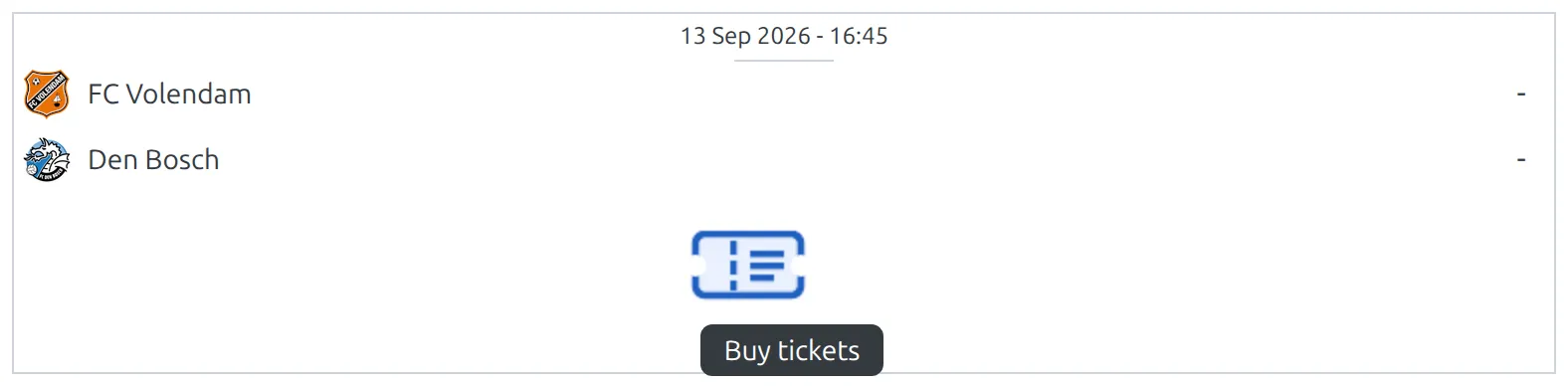
Simple
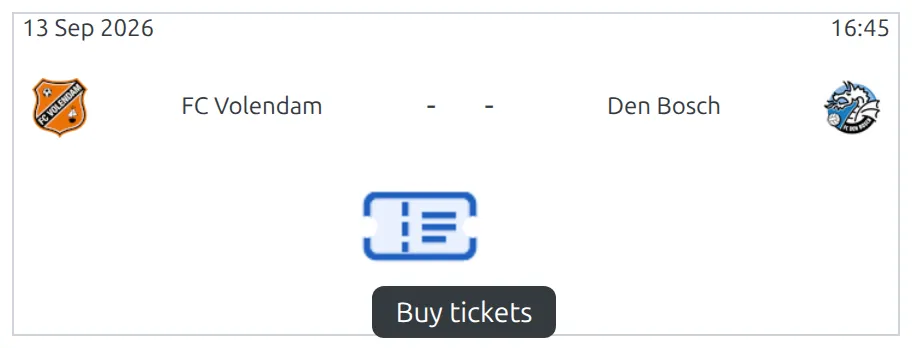
The compact row, meant for narrow columns. You get it from [anwpfl-matches layout="simple"], and the FL Matches widget uses it too – so this place does reach a sidebar, even though it isn’t one of the three widget places. The button goes under the score.
The three widget places
These three are single-game blocks, usually in a sidebar. They’re separate places because they’re separate templates, and a button ticked for the match-list layouts won’t reach them.
FL Last Match (widget/shortcode)
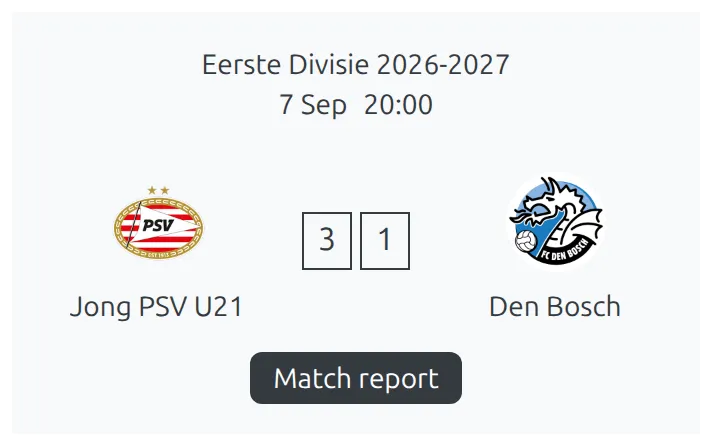
A club’s most recently finished game. It’s the FL Last Match widget, and the same block comes out of [anwpfl-match-last]. The button lands under the final score, above the “match link text” line if you’ve set one. A good spot for a “Match report” or “Highlights” link.
FL Next Match (widget/shortcode)
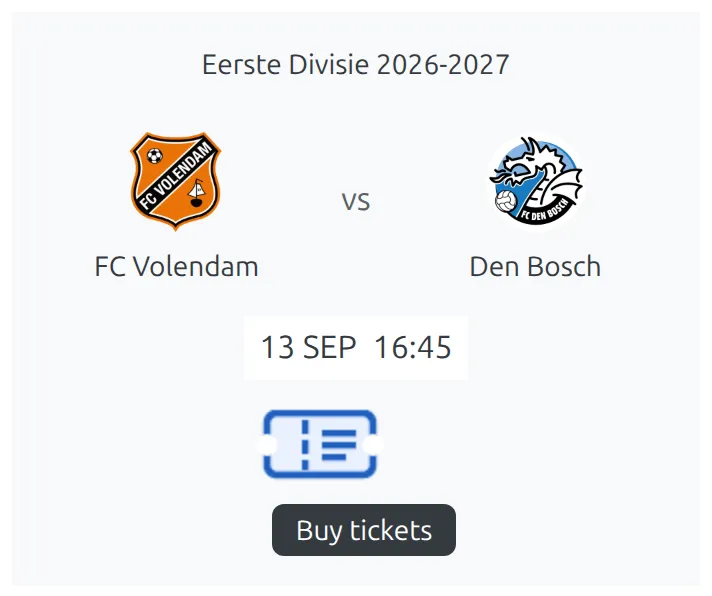
The same block for the next fixture instead of the last result: the FL Next Match widget and [anwpfl-match-next]. The button lands under the kickoff date and time. This is the natural home for a tickets link.
FL+ Next Match (widget/Gutenberg)
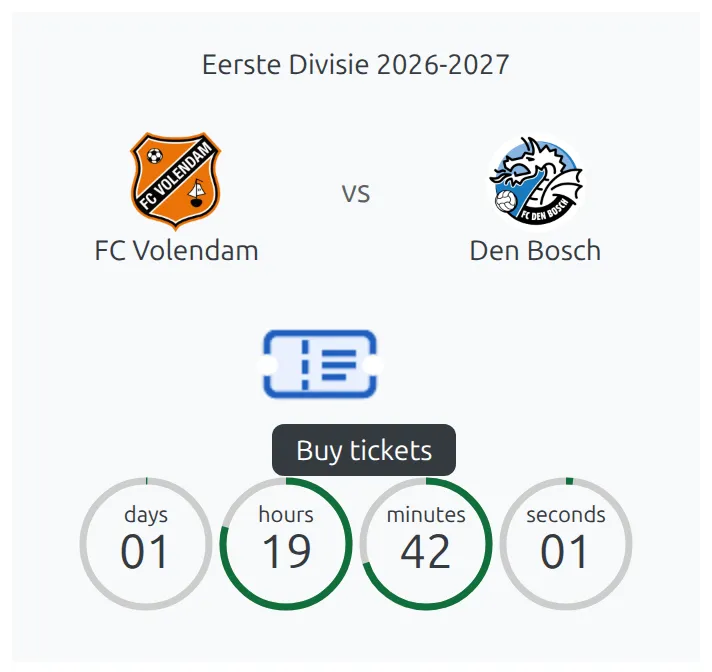
The PRO version of the next-match block: the same fixture with a live countdown, the stadium and the competition. It’s the FL+ Next Match widget and the Next Game Gutenberg block. The button sits between the crests and the countdown. The odds strip is different: it shows in the FL+ Next Match widget, but the Next Game block leaves it out even with this place ticked.
Layouts with no place
Two match-list layouts aren’t on the list at all, because neither of them draws buttons or odds: plain and small. If you’ve ticked every box and a list still shows nothing, check which layout it’s using.
Layout Builder blocks reuse these same match cards – the team Schedule blocks let you pick between slim, Card A and modern, and the game Scoreboard block draws the scoreboard – so a place you’ve ticked turns up inside a built layout too, with no extra setting.
📚 Related
- Advanced Buttons – build the button these places draw
- Import Odds – the other screen with this field, for the pre-match odds strip
- Match Scoreboard – the setting that decides between Scoreboard and Header (Core)
- Matches shortcode – where the slim, modern and simple layouts come from
- Matches Scoreboard – the slider built from Card A cards