

AnWP Sports API Hub is a paid plugin distributed through Freemius. After purchasing, you receive an email with your download link and license key. This guide walks you through the full process — from checkout to your first import.
🚀 Step 1: Purchase
Visit the Sports API Hub purchase page and choose your plan (Monthly, Annual, or Lifetime). Fill in your billing details and complete the checkout.
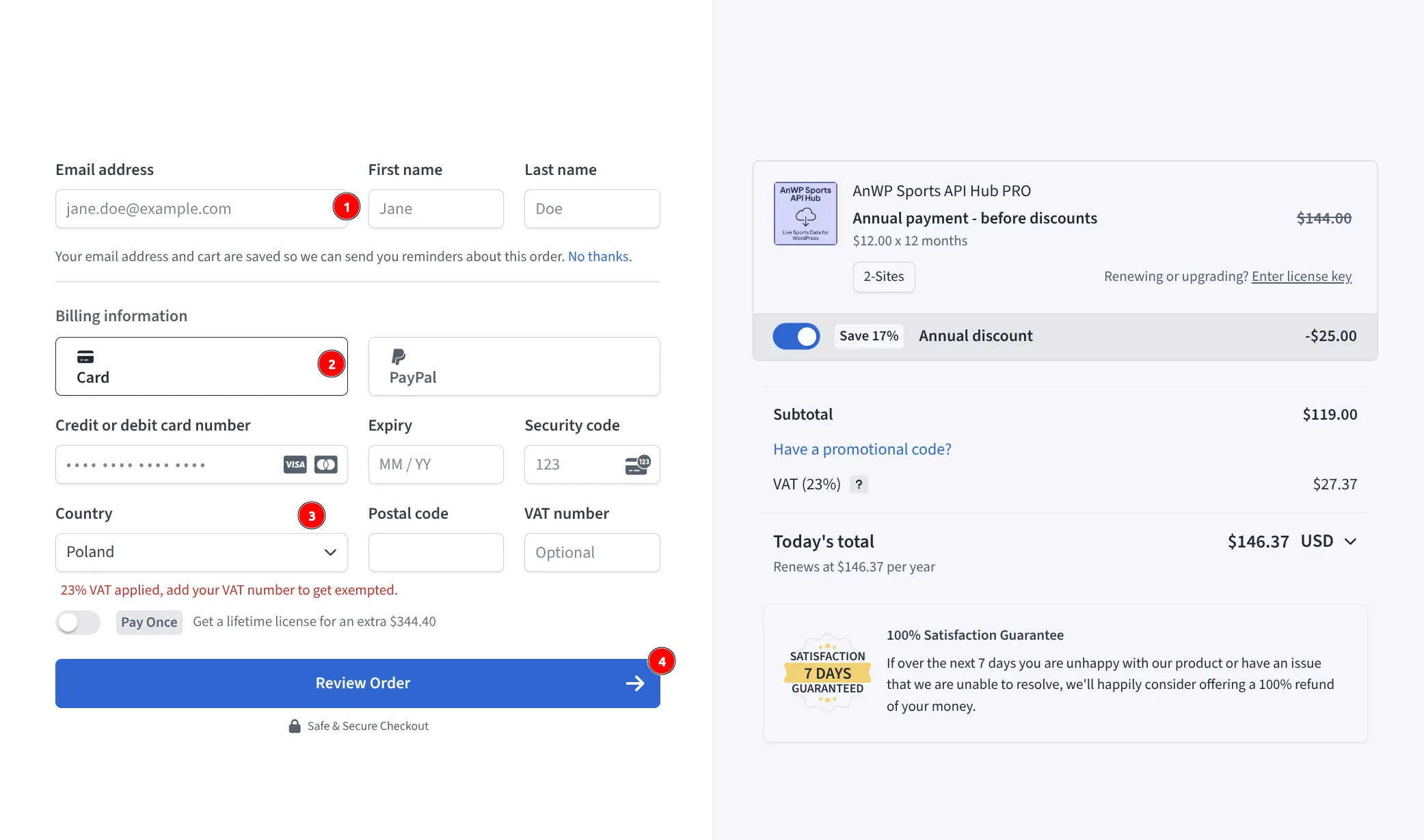
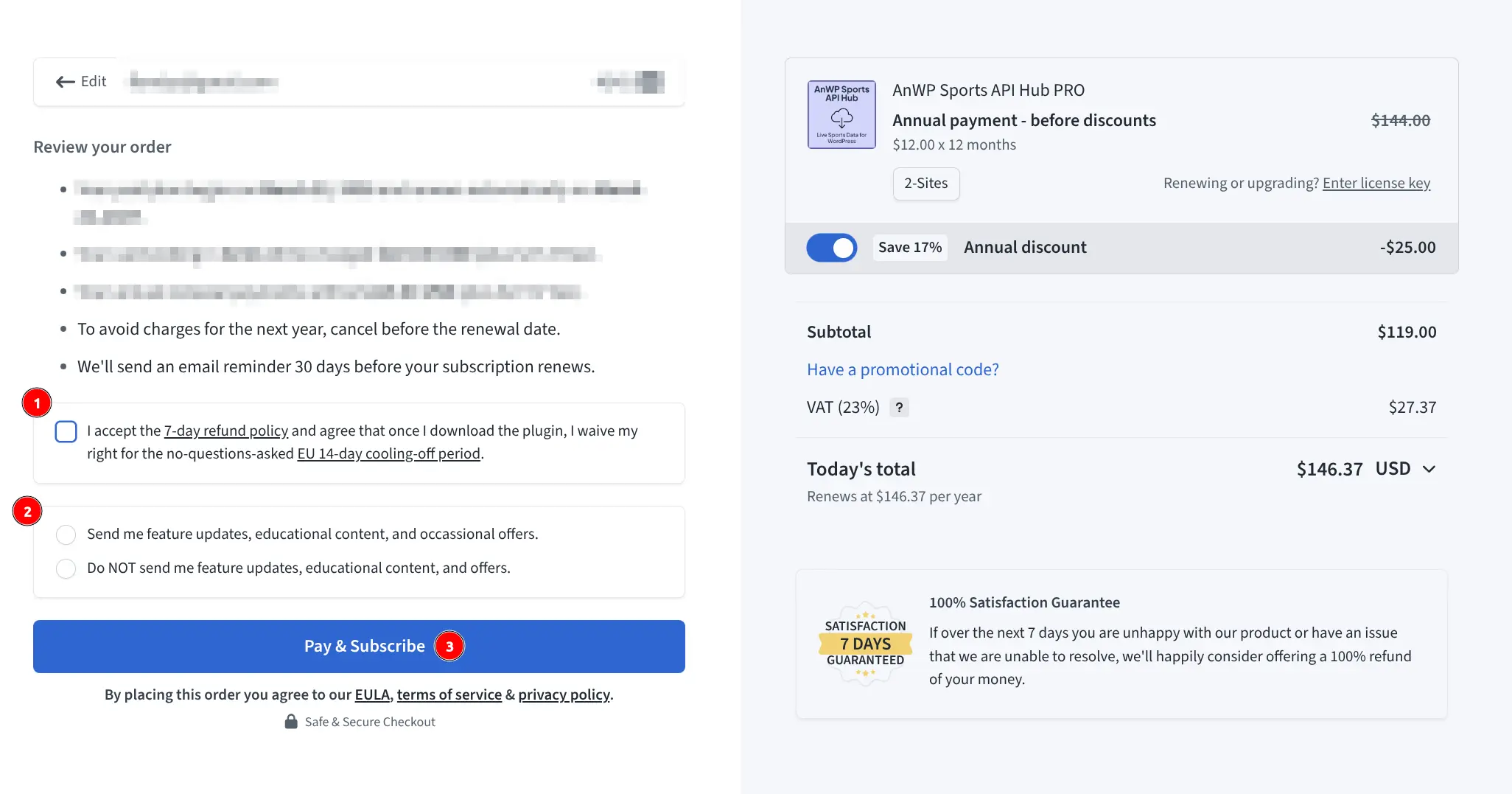
Review your order and click Pay & Subscribe.
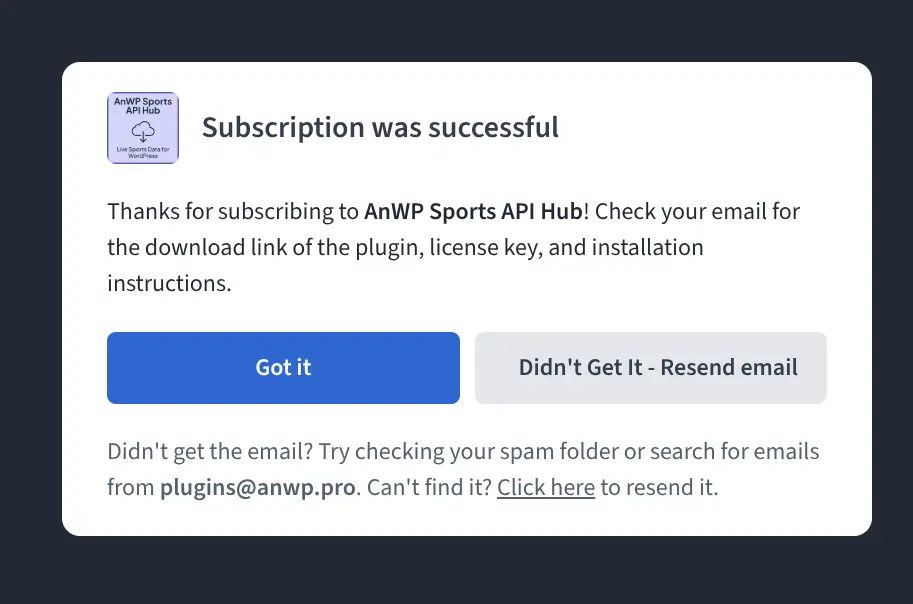
After successful payment, you’ll see a confirmation screen.
Step 2: Get Your Download Link and License Key
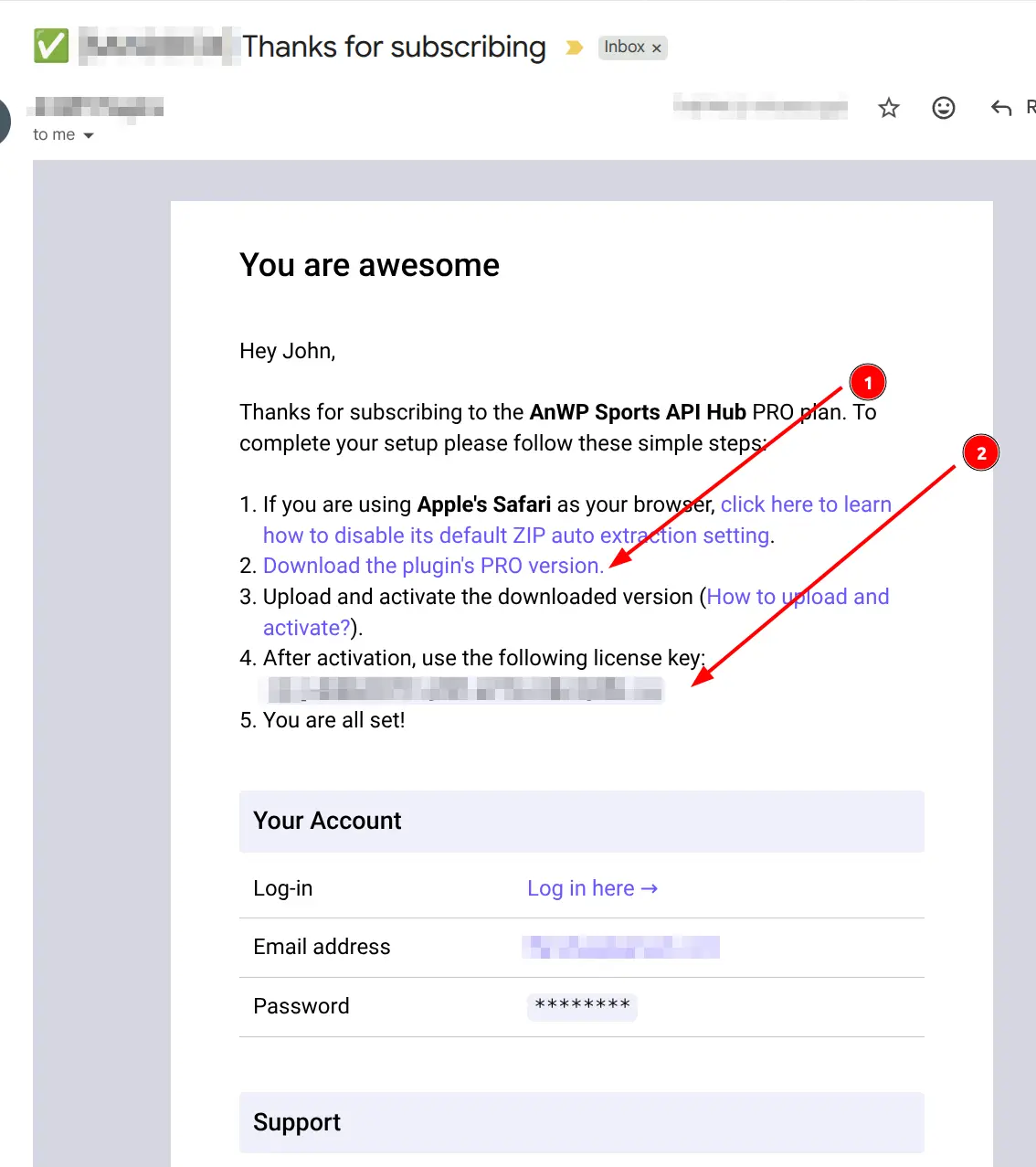
Check your email for the welcome message from plugins@anwp.pro. The email contains:
- Download link for the plugin ZIP file
- License key for activation
Tip
If you don’t see the email, check your spam folder. The sender is plugins@anwp.pro.
Step 3: Install the Plugin
- Download the plugin ZIP from the email link
- In WordPress admin, go to Plugins > Add New
- Click Upload Plugin
- Select the downloaded ZIP file and click Install Now
- After installation completes, click Activate Plugin
For detailed installation instructions, see the Installation guide.
🎯 Step 4: Activate Your License
After activation, the plugin shows a welcome screen asking for your license key:
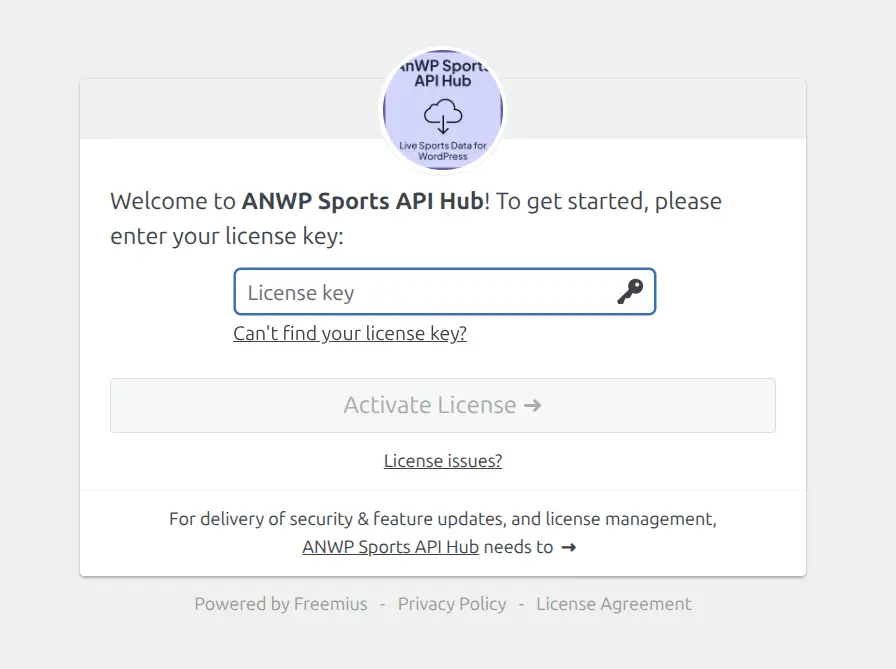
- Paste the license key from your email
- Click Activate License
- The plugin will verify your key and unlock all features
Step 5: Configure and Start Importing
Once activated, you’ll land on the API Configuration page. From here:
- Select your API provider and enter your RapidAPI key
- Click Save & Test Connection
- After a successful connection, review your settings and select sports
- Navigate to Import to start importing leagues and seasons
For detailed setup, see API Setup and First Import.
License Details
| Detail | Value |
|---|---|
| Sites per license | 2 active websites |
| Localhost | Unlimited localhost/staging activations (don’t count toward limit) |
| Refund | 7-day satisfaction guarantee |
🆘 Troubleshooting
License Won’t Activate
| Issue | Solution |
|---|---|
| “Invalid license key” | Copy/paste the key from your email — avoid typos |
| “Site limit reached” | Deactivate from another site first (see Migration) |
| Connection timeout | Your server may block external API calls — contact your host |
| Key not in email | Check spam folder, or log in at Freemius customer portal |
Can’t Find Your License Key
Your license key is available in two places:
- The welcome email sent after purchase
- Your account at Freemius customer portal
Still Having Issues?
Contact support with:
- Your license key (first 8 characters only)
- Site URL
- Error message (exact text)
- WordPress and PHP version
See Support for how to submit a ticket.
📚 Related
- Installation — System requirements and plugin upload
- API Setup — Connect to a sports data API
- License Migration — Transfer license between sites
- Upgrades & Updates — Keep your plugin updated
- Invoices — Download purchase receipts