

Add a live search widget for teams and players with instant Ajax-powered results.
[sl-search]Overview
The Live Search shortcode creates an Ajax-powered search box that displays instant results as users type. Results appear in a dropdown or inline format, showing matching teams and players with their images.
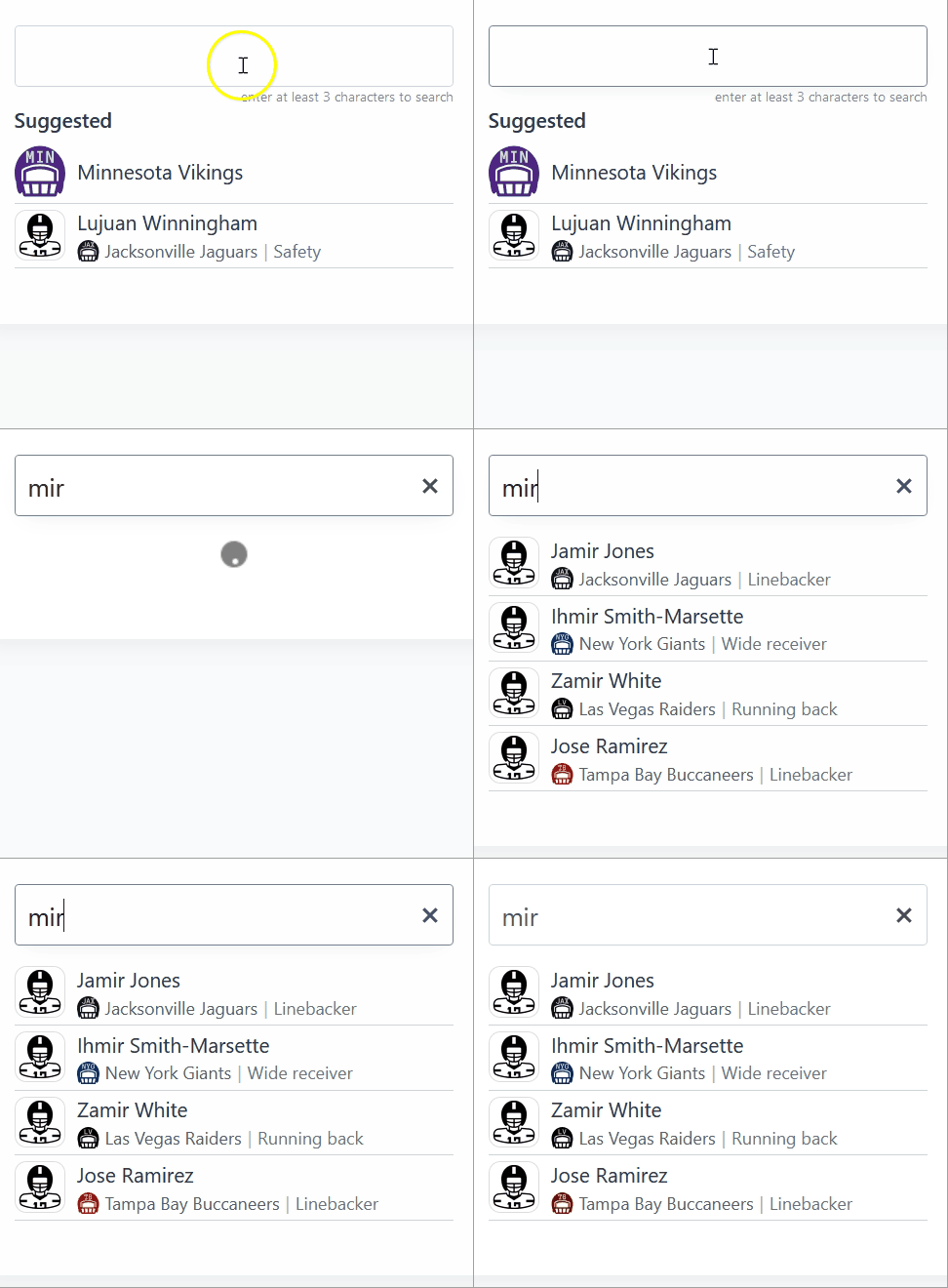
Parameters
| Parameter | Default | Description |
|---|---|---|
suggested | – | Comma-separated list of player and team IDs to show as suggestions when the input has fewer than 3 characters or no results are found |
search | all | Search scope: all (teams and players), teams, or players |
layout | dropdown | Display style: dropdown or inline |
mobile_icon_only | 1 | Show only the search icon on mobile devices: 1 (yes) or 0 (no) |
has_search_icon | 1 | Show the search icon: 1 (yes) or 0 (no) |
has_reset_icon | 1 | Show the reset (X) icon: 1 (yes) or 0 (no) |
width | 250 | Search input field width in pixels |
Layout Options
Dropdown Layout
Best for headers and sidebars. Results appear in a dropdown below the search box. On mobile devices, displays as an icon only by default and expands to a full search field when tapped.
[sl-search layout="dropdown"]Inline Layout
Best for dedicated search pages. Results display inline below the search box with a full-width presentation.
[sl-search layout="inline" width="400"]Suggested Items
The suggested parameter lets you display popular teams and players when:
- The user clicks on the search field (before typing)
- The user has typed fewer than 3 characters
- No search results are found
This helps guide users to frequently searched items and improves the search experience.
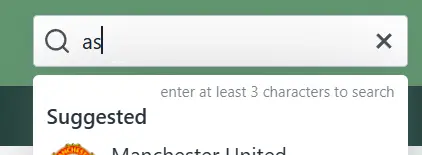
[sl-search suggested="42,156,78,201"]Tip
Find team and player IDs by editing them in the admin area. The ID appears in the browser URL (e.g., post=42).
Mobile Behavior
By default, the dropdown layout shows only a search icon on mobile devices to save space. When tapped, it expands to show the full search input.
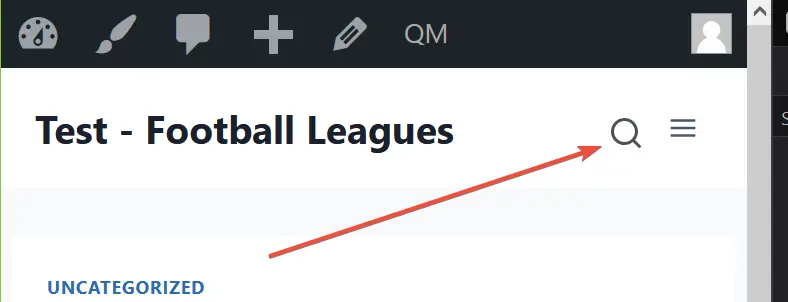
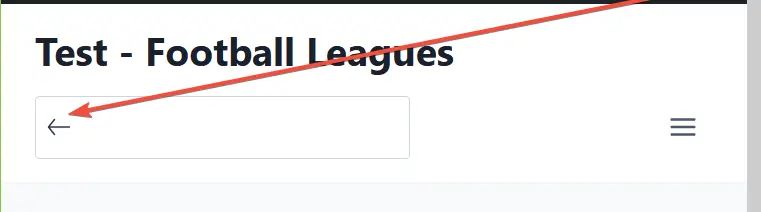
To always show the full search input on mobile, set mobile_icon_only="0":
[sl-search mobile_icon_only="0"]Examples
Header Search (Default)
A compact search for your site header with icon-only mobile display:
[sl-search]Teams-Only Search
Limit search results to teams only:
[sl-search search="teams" width="300"]Players-Only Search
Limit search results to players only:
[sl-search search="players" width="280"]Full Search Page
A wider inline search with suggested popular items for a dedicated search page:
[sl-search layout="inline" search="all" suggested="42,156,78,201" width="400"]Minimal Search
A simple search without the reset icon:
[sl-search has_reset_icon="0" width="200"]Theme Integration
The reset (X) icon appears only when the user starts typing. Some themes with complex header layouts may need CSS adjustments for proper mobile display.
If the mobile search does not display correctly in your theme header, you can disable the reset icon as a workaround:
[sl-search has_reset_icon="0"]Note
For complex theme customizations, contact your theme developer or our support team for CSS assistance.