

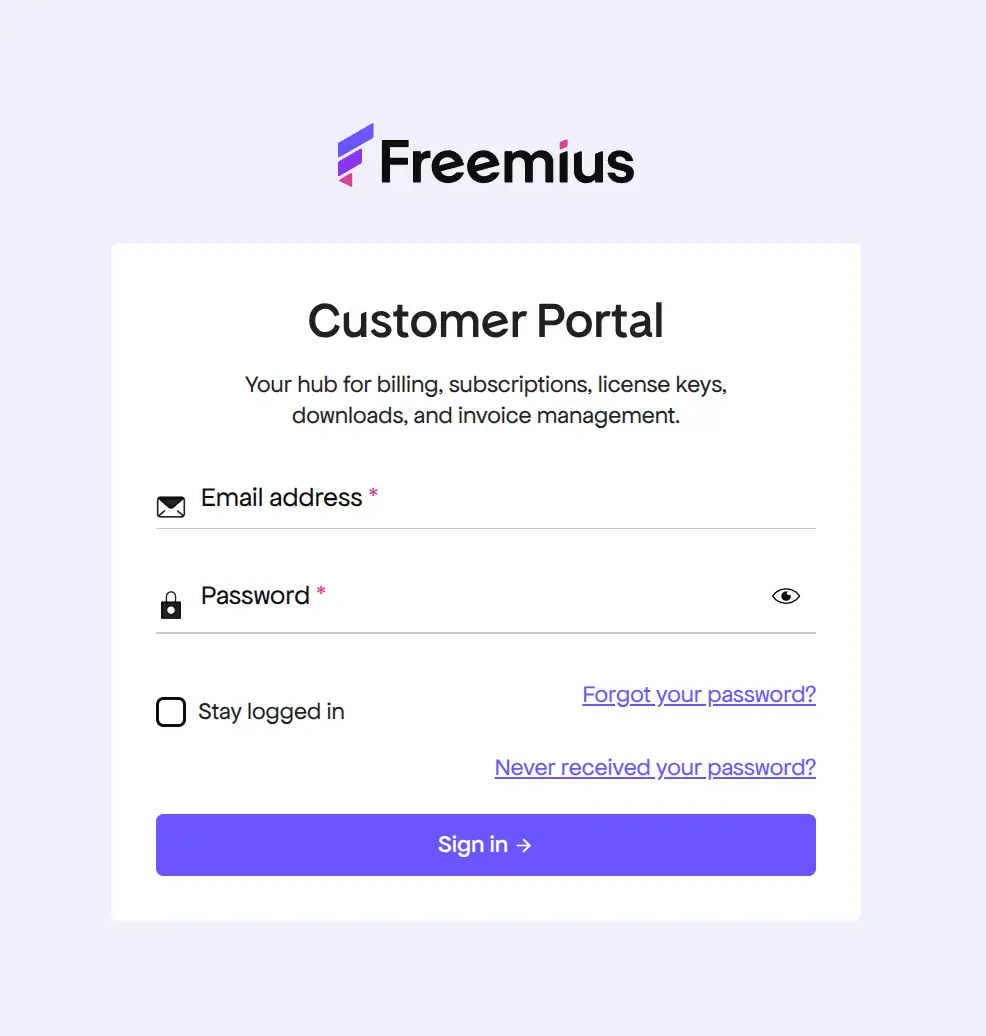
Your subscription lives in the Freemius Customer Portal at users.freemius.com. Sign in with the email you bought with to cancel auto-renew, renew, or change the card. You can also cancel from the plugin’s Account screen in wp-admin. Cancelling stops the next payment, and the license keeps working until the end of the period you’ve paid for.
Freemius, our licensing partner, handles checkout, renewals and invoices for Football Leagues Premium, Sports Leagues Premium, Sports API Hub and Tennis API Hub. One portal account shows every license you’ve bought from us.
🎯 Is my license a subscription?
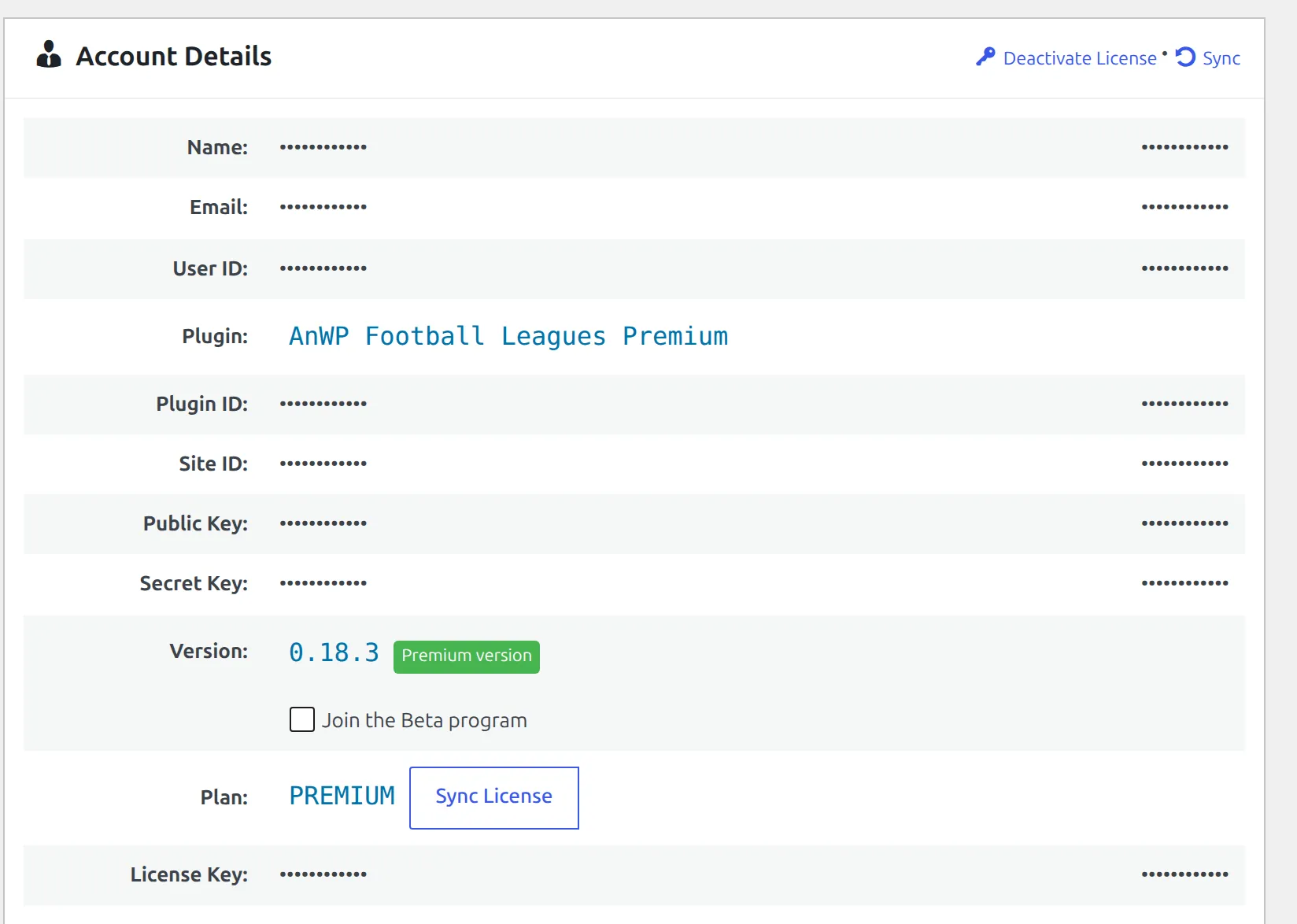
Check the tag next to Plan on the plugin’s Account screen (Football Leagues > Account, Sports Leagues > Account, Sports API Hub > Account or Tennis API Hub > Account):
| Tag next to the plan | What it means |
|---|---|
| Auto renews in … | A subscription is running and charges again on that date |
| Expires in … | No subscription. The license ends on that date |
| Expired … ago | It already ended |
| No tag | A lifetime license. Nothing to renew, nothing to cancel |
How do I cancel in the Customer Portal?
- Sign in at users.freemius.com and click Licenses.
- Select the license and click Cancel Auto-Renew in the right panel.
- Confirm. The license stays active until its renewal date, then ends.
Use the portal when the site is gone, when you can’t log in to it, or when you’d rather not touch wp-admin. Deleting a site doesn’t stop the payments: the billing system never hears about it.
How do I cancel from wp-admin?
Click Cancel Subscription on the plugin’s Account screen. A confirmation opens first. Read it, because it tells you the date your access really ends:
Cancelling the subscription will immediately stop all future recurring payments and your Premium plan license will expire in [time remaining]. Once your license expires you can still use the Free version but you will NOT have access to the Premium features.
The link only shows when there’s a running subscription to cancel. No link means a lifetime license, a subscription you already cancelled, or a site running the free plugin.
Your current price isn’t held after you cancel
A running subscription keeps renewing at the price you signed up at. Cancel and subscribe again later, and you pay whatever the price is that day.
How do I change the card for renewals?
In the Customer Portal, open Licenses, select the license and click Update next to the payment method. Do this when your card expires or a renewal fails. Don’t cancel and buy again, since that loses the price you signed up at.
How do I renew an expired or cancelled license?
Open the license in the Customer Portal. If it shows a renew option, use it: the premium features come back on every site where the license was active. If there’s no renew option, buy again from the plugin’s page and activate the new key on your sites. Before the end date, a cancelled license still works, so there’s nothing to restore yet.
What stops when a license ends depends on the plan: see What Happens When a License Expires.
🆘 Common questions
There’s no Cancel Subscription link on my Account screen. Check the tag next to Plan. No tag means a lifetime license. “Expires in …” means the subscription is already cancelled.
I cancelled but the plugin still works. That’s expected. You keep the plan until the date shown in the confirmation.
Freemius emailed me about a failed renewal. Update the card in the portal. If you do nothing, the license ends on its renewal date.
I’m on the Sports Leagues Premium trial. When am I charged? The trial runs 7 days and needs a payment method at signup. The first charge comes when the trial ends, so cancel auto-renew before then if you don’t want to continue.
I want a refund. See Refunds. Every plugin has a 14-day money-back guarantee.
I want to move the license, not end it. Use Deactivate License instead: Move a License to Another Site.