

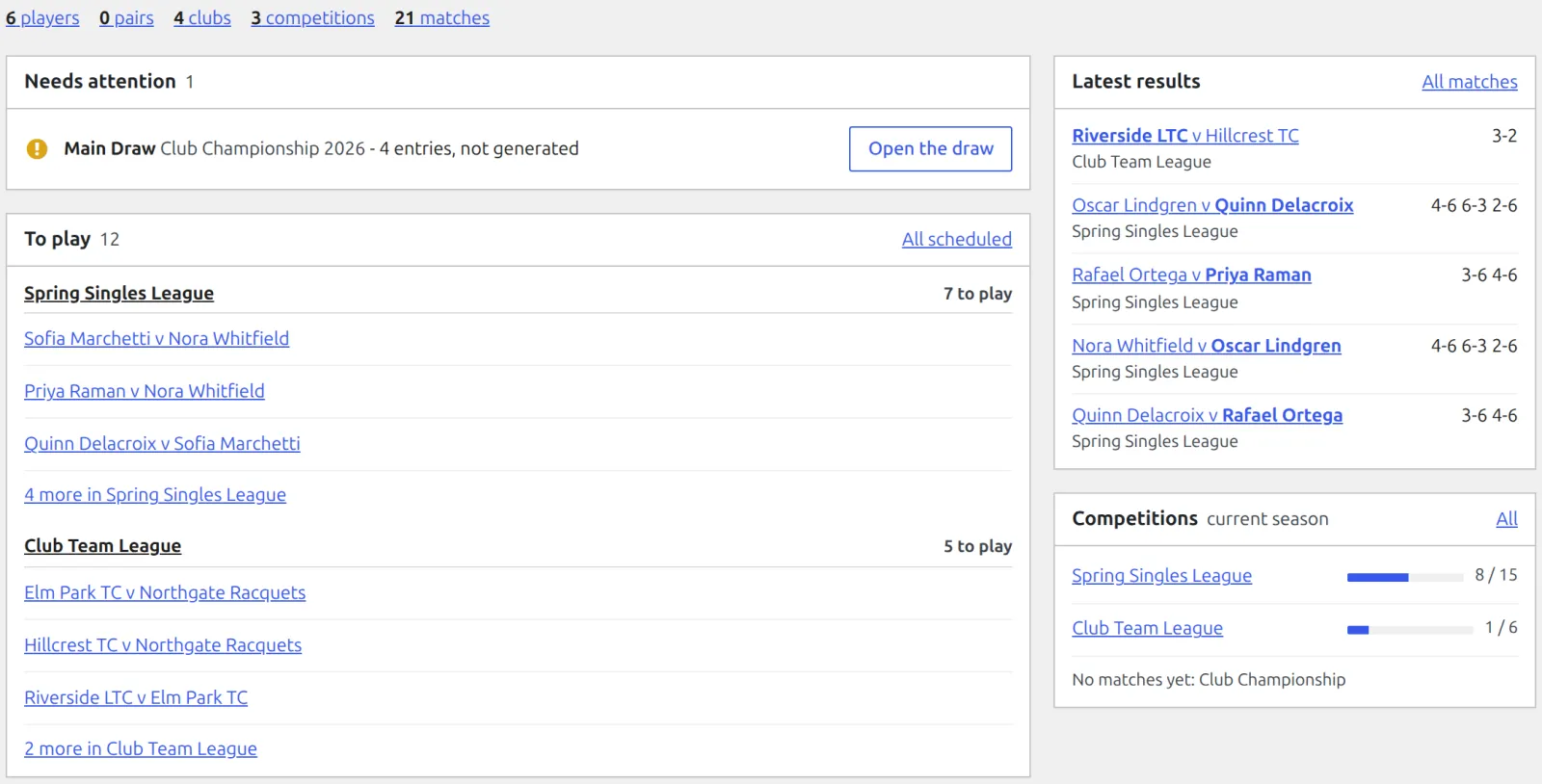
Tennis Leagues > Dashboard is the plugin’s home page: what needs you first, what’s left to play, the latest results and how far each competition has got. Every row links straight to the screen where you act on it.
What’s on it
Under the title: the default sport and the plugin version, the Add player, Add competition and Add match buttons, and a count line (players, pairs, clubs, competitions, matches) where each number opens its list. Trashed records aren’t counted.
| Box | Shows |
|---|---|
| Needs attention | Draws to deal with, up to 10: a table that’s out of date, or a draw with 2 or more entries and no bracket or fixtures yet. Open the draw takes you there. The box is hidden when there’s nothing to do. |
| To play | Matches with both sides known and no result: up to 5 competitions, 3 matches each, the earliest first. A past kickoff with no result is marked Overdue. A row opens the match’s Result box. All scheduled opens the full list. |
| Latest results | The 5 most recent results (finished, retired, walkover or default), the winner in bold. All matches opens the list. |
| Competitions | Up to 10 active competitions, each with a progress bar for its current season (played out of total, byes and cancelled matches left out). Those still in progress come first, the most left to play on top. Competitions with no matches yet are named on one line at the bottom. |
| Sample data | Only while sample data is installed: what it added, and Remove sample data. |
🚀 On a new site
- Until setup is done or skipped, the Dashboard holds the setup wizard and nothing else. See Installation & Setup Wizard.
- Skip it, and with nothing added yet you get a Getting started box: Add a player, Add a club (Your Club in single-club mode) and Add a competition, plus Run setup to bring the wizard back.
- In single-club mode the count line leaves clubs out.
📚 Related
- Entering Results – what a To play row opens.
- Standings – why a table can be out of date.
- Installation & Setup Wizard – the wizard and sample data.