

AnWP Tennis Leagues runs in one of two modes. Multi-club, the default, is for leagues and events between clubs, run by organisers and federations. Single club is for your own club’s site: your club is filled in for you and the club fields get out of the way. You can switch either way at any time, and nothing is deleted.
Where the switch is
- In the setup wizard, step 2 asks One club or several? See Installation & Setup Wizard.
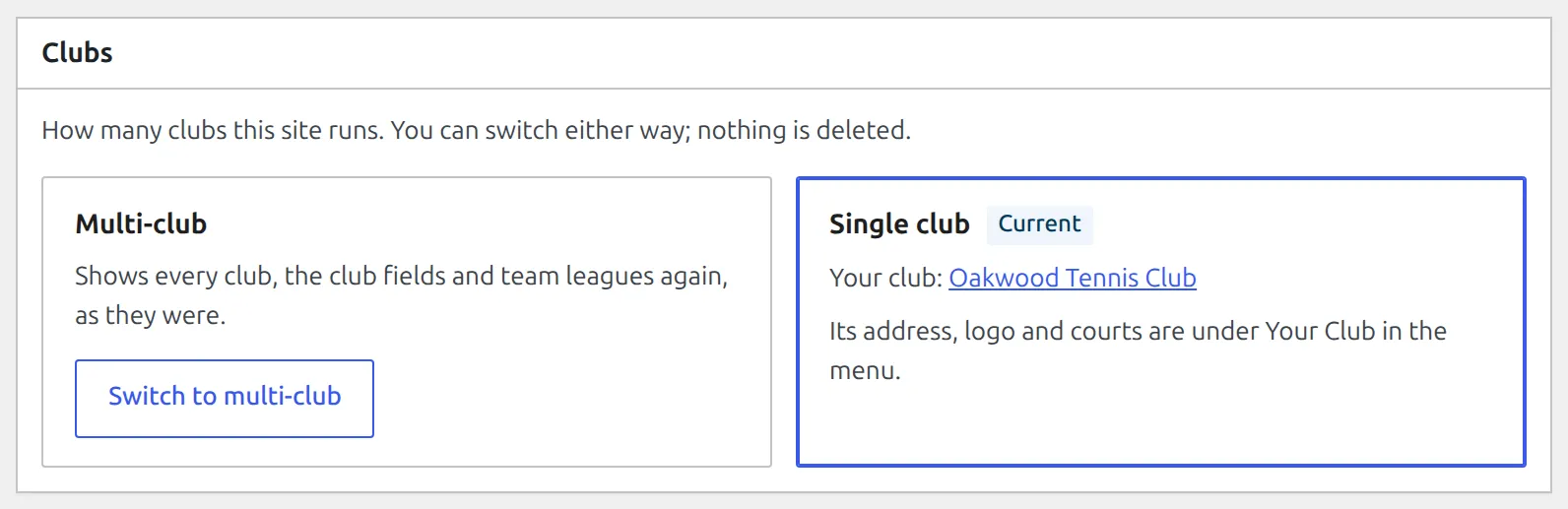
- Any time later, under Tennis Leagues > Settings, in the Clubs box. Both modes are shown as cards, and the one in use is marked Current.
🏠 What single-club mode changes
| Where | Multi-club | Single club |
|---|---|---|
| Admin menu | Clubs | Your Club, which opens your club’s own screen |
| Player, pair and competition forms | A Club or Organiser field | Hidden. New players, pairs and competitions are filed under your club. |
| Players, Pairs and Competitions lists | A club column and a club filter | Hidden |
| Competition type | Tournament, League, Team League | Tournament, League. Team leagues you already have keep working. |
| Court on a match | Any club’s courts | Your club’s courts |
| Dashboard | Counts your clubs | No club count, and the club link opens Your Club |
| Public pages | A player’s club under their name in tables, on match pages and player pages, and the organiser on a competition page | Not shown – everyone plays for your club |
| Printable sheets | The organiser’s name and logo, or your site’s name | Your club’s name and logo |
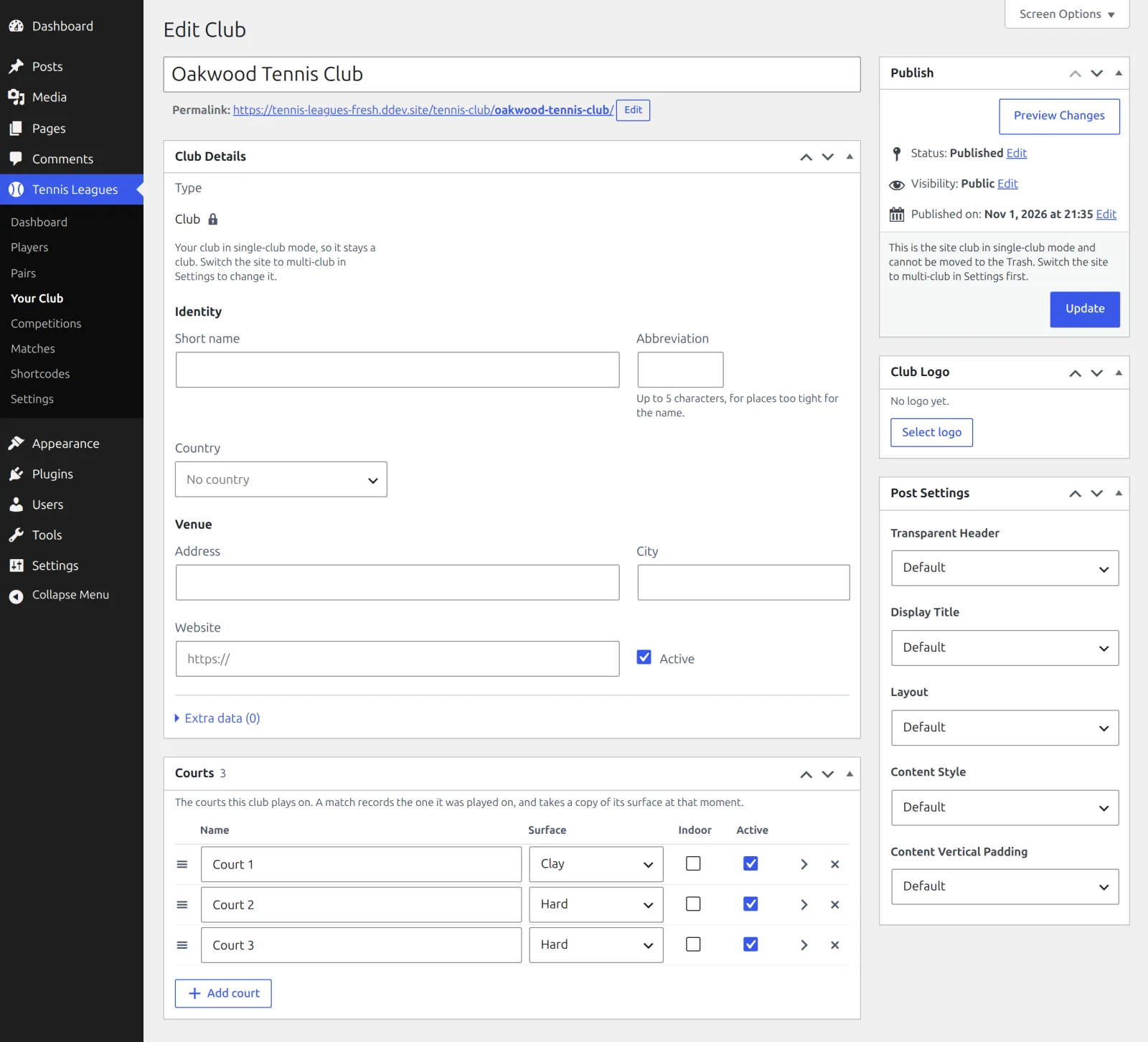
Your Club is your club’s edit screen: details, logo and the Courts box. It has no Add New button, and its type stays Club. While it’s the site’s club, it can’t be moved to the Trash or deleted.
Switch to single club
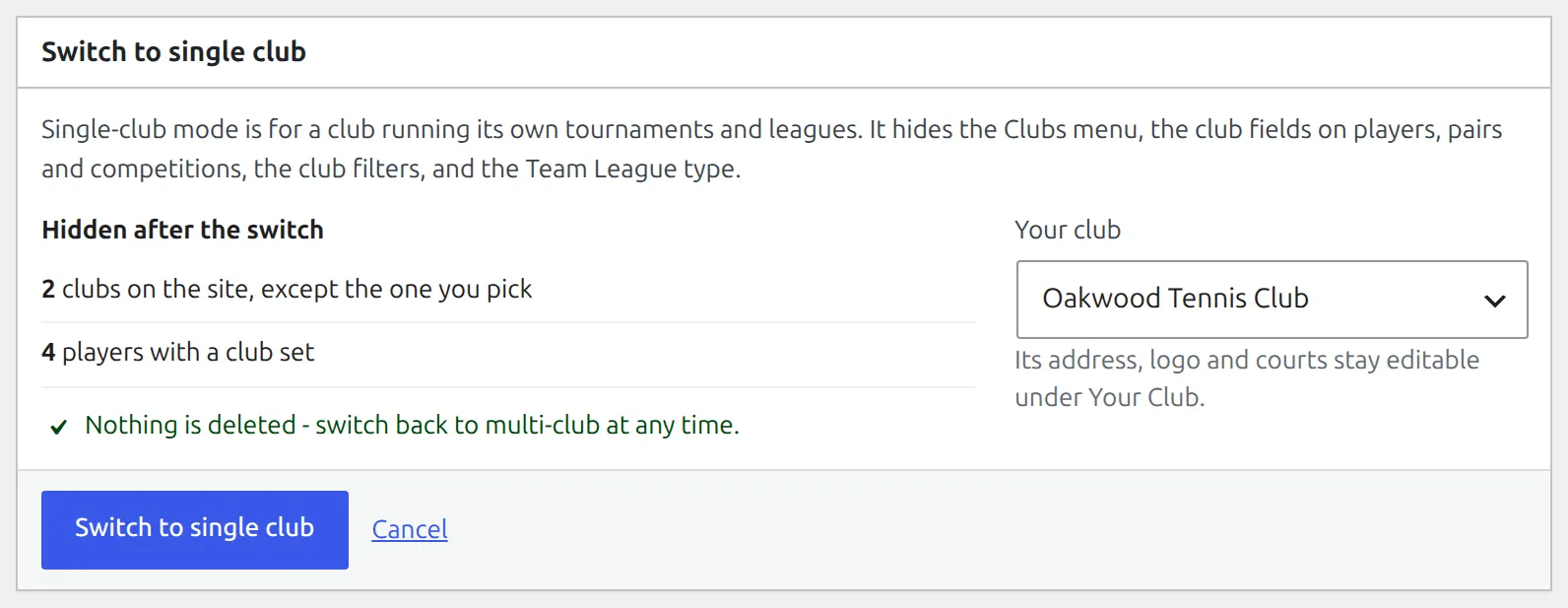
- Go to Tennis Leagues > Settings and click Switch to single club on the Single club card.
- The next screen lists what’s Hidden after the switch: your other clubs, players and pairs with a club set, and team competitions. Only the lines that apply to your site are shown.
- Under Your club, pick the club this site is about, or Create a club named “…” to make one from your site title. Only clubs are listed here, not club teams, nations or select teams, and nothing from the Trash.
- Click Switch to single club. The notice confirms it: Single-club mode is on.
Hidden means out of sight, not gone. Your other clubs, the clubs set on players and pairs, and your team competitions all stay in place.
Switch back to multi-club
In the same Clubs box, click Switch to multi-club. There’s no confirm step, since nothing gets hidden. The notice reads Multi-club mode is on. Every club is visible again.
- Every club, the club fields and team leagues come back as they were.
- Players, pairs and competitions you added in single-club mode keep your club as their club.
- Your club is remembered. Switch to single club again and it’s the one offered first.
Which one?
Pick single club if every player on the site is your member. If your club also plays a team league against other clubs, stay multi-club: a new Team League competition can only be created there.
🆘 Troubleshooting
| You see | What to do |
|---|---|
| Single-club mode is on, but its club is missing or in the Trash, so the site works as multi-club. | Restore the club from the Trash, or click Pick a club and choose another. |
| This is the site club in single-club mode and cannot be moved to the Trash. | Switch the site to multi-club first, then trash it. |
| Team League is missing from Competition type | Single-club mode hides it for new competitions. Switch to multi-club to create one. |
📚 Related
- Competitions, Seasons & Draws – the three competition types, Team League included.
- Installation & Setup Wizard – the Club step, courts included.